


Wall modifier
 Main menu: Construction – Architecture -Wall Edit >
  Add Wall Modifier.
Ribbon: Construction – Architecture > Add Wall Modifier.
Toolbar: Architecture > Add Wall Modifier.
 Command line: SPWALLMODADD.
 Library: Architecture – Modifiers
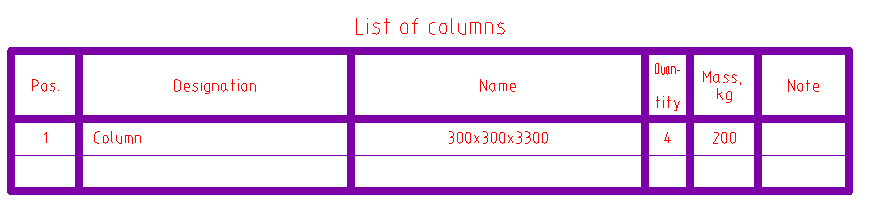
When using a build modifier of base elements, you can choose different configuration object.
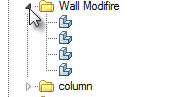
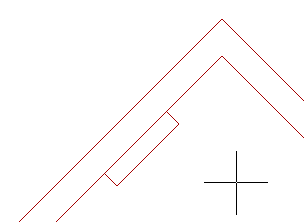
To connect the modifier to the wall run the mouse pointer across any wall modifier bound to the walls. To unbind modifier from the wall or tie it again, you can through the context menu commands Attach/Detach.
Feedback
Copyright © 2026 CSoft AS
—
Powered by 
Post your comment on this topic.