


Save template note
If necessary, save the callouts for later use, you need to create a balloon, defining it related parameters.
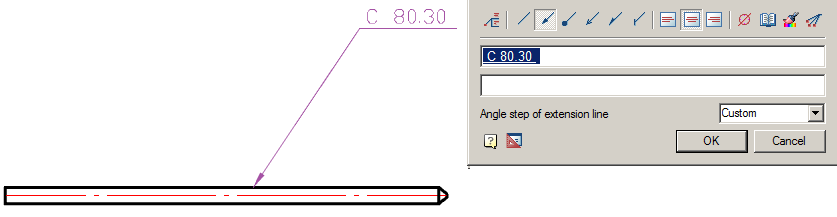
Further, by selecting it, specify the context menu – “Save object as template”.
In the “Template wizard” press button “Create template”.
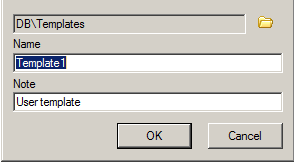
In the dialog box “Create element” specify the storage folder in the base elements, Name and Note (if necessary). Press “OK”. Again we return to the dialog box “Template wizard”.
Press button “Update template” and close “Template wizard”.
Update the tree base elements, the template will be created by the note.
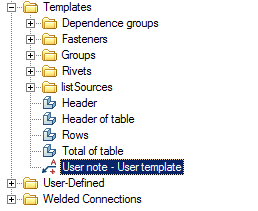
Subsequently, this note can be inserted into a drawing for new objects. Adaptive communication with new objects and their settings will be saved.
Feedback
Copyright © 2026 CSoft AS
—
Powered by 
Post your comment on this topic.