


Door
 Main menu: Construction – Architecture >
  Add Door.
Ribbon: Construction – Architecture > Add Door.
Toolbar: Architecture > Add Door.
 Command line: SPDOORADD.
 Library: Architecture – Doors
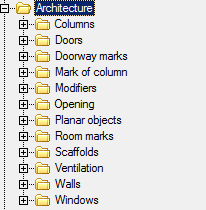
Causing the construction of the base elements of the door, you can choose different configuration object.
The door can be constructed as a separate entity located or attached to a wall.When the command, as soon as the mouse crossed any wall, door is bound to the wall. Disconnecting from the walls is possible through the context menu commands.
Base point – allows you to change the position of the reference point door. Clicking on the shortcut menu, you must specify the new position of the base point. Inserting an object distance is calculated from the base point.
Flip horizontally – deploys an object horizontally.
Flip vertically – expands vertically.
Properties – opens the door to a dialogue where you can set the width of the door.
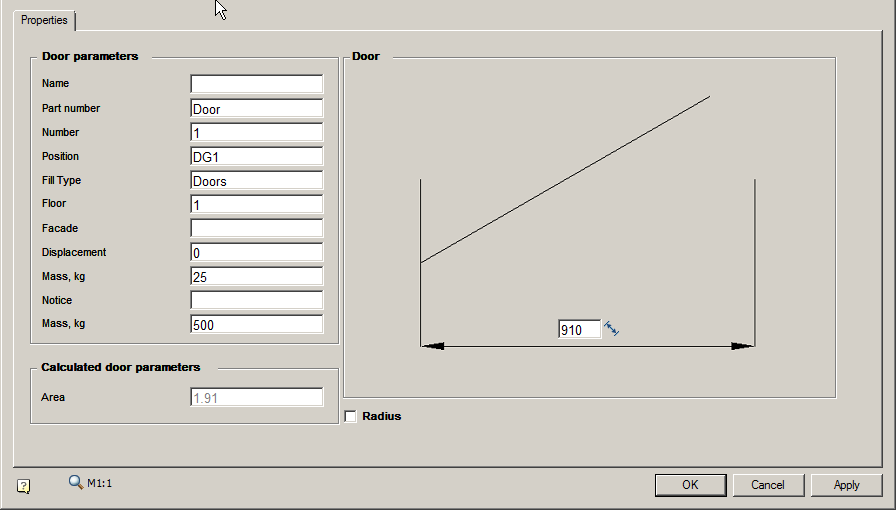
Analog – to copy properties of the future with the existing door.
Snap – the ability to bind the door to the wall.
Unbind – allows to decouple the door from the wall and build an independent object.
Reference – allows you to set the benchmark for accurate positioning door.
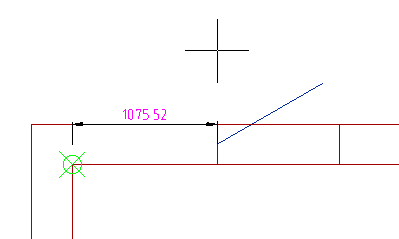
Width – allows you to specify the width of the door, indicating it in the drawing.
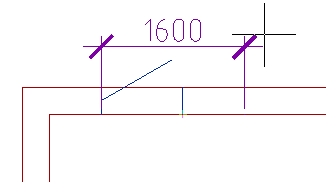
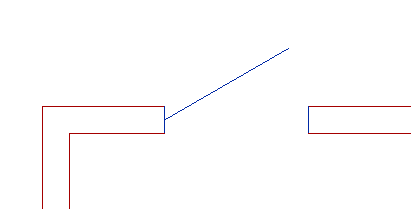
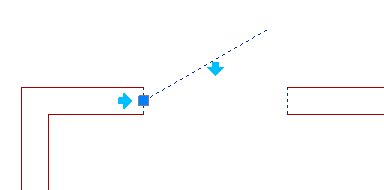
Editing grips
Square blue knob lets you change the position of the door. Light blue arrows allow flip door.
Feedback

Post your comment on this topic.