


Recalculate level marks
 Main menu: Construction – Level marks >
  Recalculate level marks.
Ribbon: Construction – Symbols > Recalculate level marks.
Toolbar: Level marks > Recalculate level marks.
 Command line: SPLVRENUM.
Procedure
1. Call the command “Recalculate level marks”.
2. Select the level mark to be the reference point.
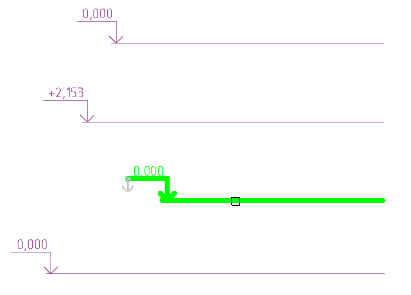
2. Select the non-associative level marks to be recalculated (with a box or any other method).
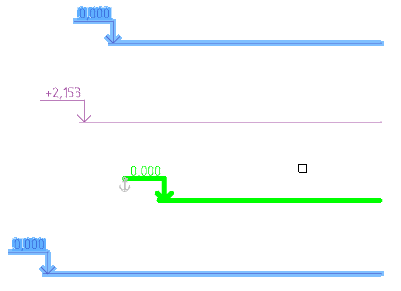
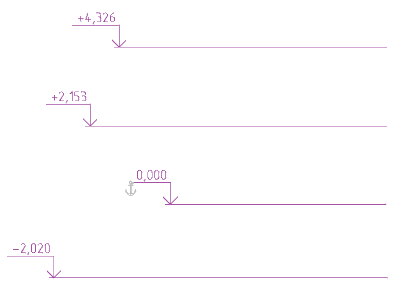
3. Press the “Enter” button. A recalculation will be performed.
Feedback
Copyright © 2026 CSoft AS
—
Powered by 
Post your comment on this topic.