


Adding axis to the array
 Main menu: Construction – Coordinate axes –
  Add Axes to Grid.
Ribbon: Construction – Architecture – Add Axes to Grid.
Toolbar: Add Axes to Grid ( “Coordinate axes”).
 Command line: SPGRIDADDAXES.
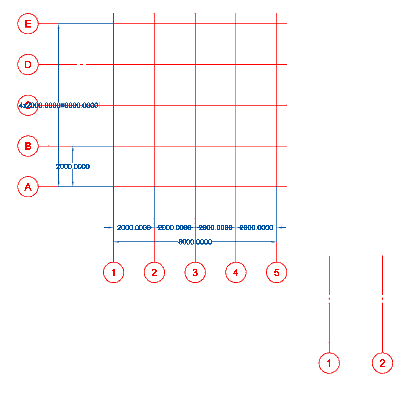
Select an array of axes
Select the axis you want to add
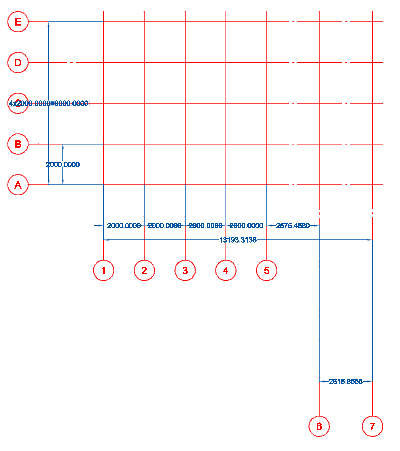
Axis will be added to the array, and will be numbered in accordance with the sequence of the array.
Removing the axes of the array
Main menu: Construction – Coordinate axes –  Extract Axes from Grid.
Ribbon: Construction – Architecture – Extract Axes from Grid.
Toolbar: Extract Axes from Grid ( “Coordinate axes”).
Command line: SPGRIDEXTRACTAXES.
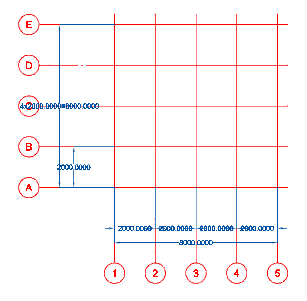
Select an array of axes
Select the axis you want to remove from the array, for example, the axis 3
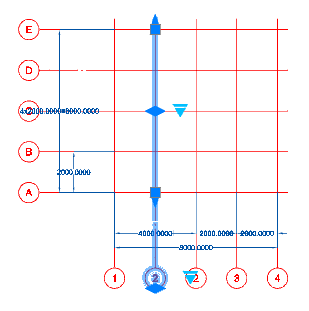
The extracted axis is excluded from the numbering of the array and will be independent axis.
Feedback

Post your comment on this topic.