


Adaptive note
nanoCAD Construction allows you to use “Fields (Fields) drawing”.
1. In the context menu of the callout input field, select the “Insert field…” command. The “Field” dialog will open.
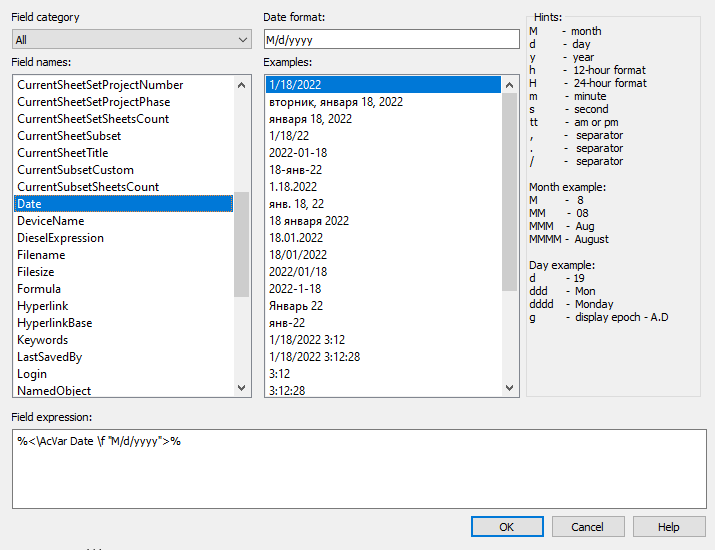
2. In the dialog box, link to the desired field and click the “OK” button.
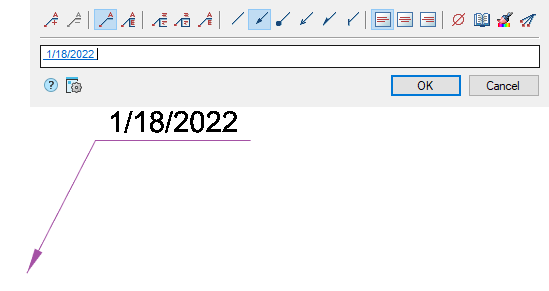
3. The link will be created. When you click on a field link, the scope will move to the linked object.
Note:
To update data in adaptive callouts, use the command “Regenerate”.
Feedback
Copyright © 2026 CSoft AS
—
Powered by 
Post your comment on this topic.