


Move up
 Main menu: Construction – Library objects – Cover >
  Move up.
Toolbar: “Library objects”> Move up.
 Command line: SPMOVEUP.
Procedure
Call command;
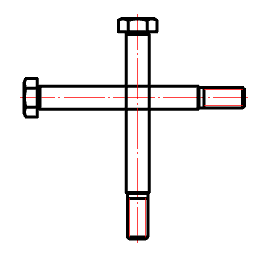
Select the objects you want to move up;
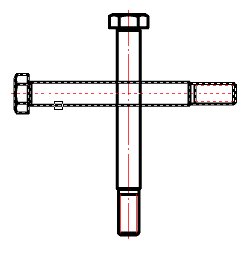
Select the objects to be compared;
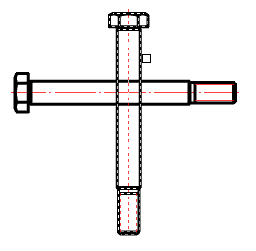
After the selection is complete, the objects that need to be moved up will automatically increase the overlap level (ZOrder).
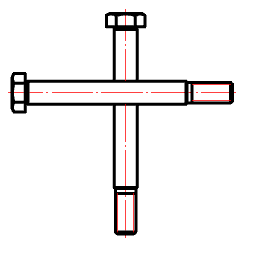
Feedback
Copyright © 2026 CSoft AS
—
Powered by 
Post your comment on this topic.