


Geocalculator
 Ribbon: Topoplan – Settings >
  Geocalculator
Menu: Topoplan – Settings > Geocalculator
Toolbar: Topoplan Settings > Geocalculator
 Command line: NG_GEOCALC
The command allows you to:
Calculate the parameters of transformation of coordinate systems
spatial 3-dimensional:
· 7 parametric Helmert transformation;
· 9 parametric Helmert transformation;
· Molodensky transformation.
flat rectangular:
· 4 parametric Helmert transformation;
· 5 parametric Helmert transformation.
Recalculation of coordinates
geodetic:
· geographic to flat rectangular Gauss-Kruger or UTM and back;
· geographic and rectangular between 3-dimensional coordinate systems, using the recalculation parameters;
flat arbitrary:
flat rectangular between 2-dimensional coordinate systems, using the recalculation parameters.
Calculations are made both for individual points and for files.
Calculating distances and directions on a plane and an ellipsoid
The source data is located in the LIB directory in the program installation directory (Nanosoft AS\nanoCAD x64 25.0\UserDataCache\maplib\LIB). Changing the directory name and its location is not allowed.
The Ellipsoid Library is required for the command to work. The ellipsoid data is a text file gt_ellips.csv, containing the name, code, major and minor semi-axes in meters, and the denominator of compression for each ellipsoid. The field values are separated by commas.
A fragment of the file is given below:
NAME,CODE,A,B,RF
Airy 1830 ,AA,6377563.396,6356256.9090,299.324964600
Modified Airy ,AM,6377340.189,6356034.4480,299.324964600
Australian National ,AN,6378160.000,6356774.7190,298.250000000
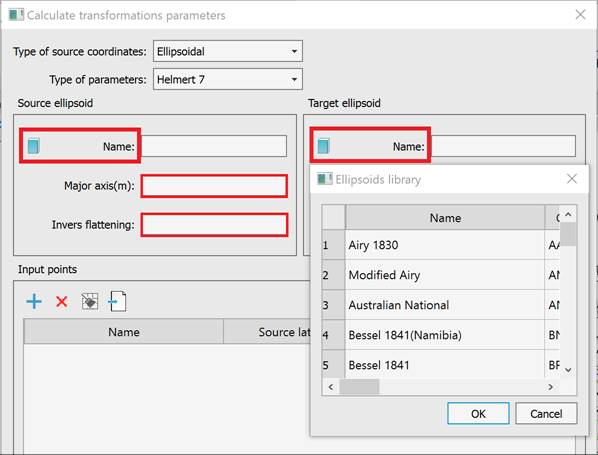
The file can be edited by the user, but the file name and format should not be changed. Viewing the ellipsoid library is available from the Calculate Transformation Parameters dialog.
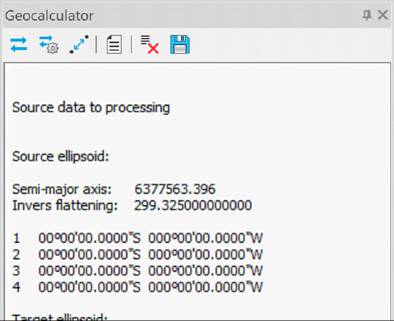
The main window is the transaction log window. All calculation results are displayed in the log window.
The geocalculator has a built-in toolbar, which is located under the window title.

- Transformations
- Transformation parameters
– Distances and directions – Templates- Clear log
– Save logTransformations
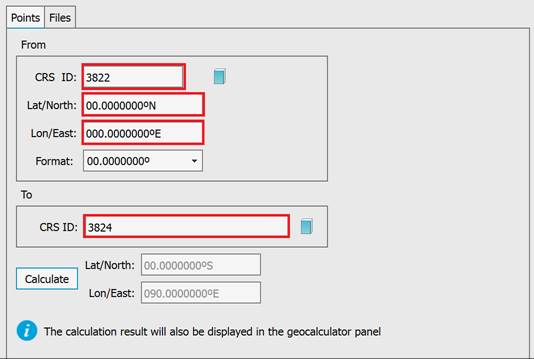
The coordinates are recalculated using EPSG codes in a dialog box opened from the Transformations toolbar.
Transformation parameters
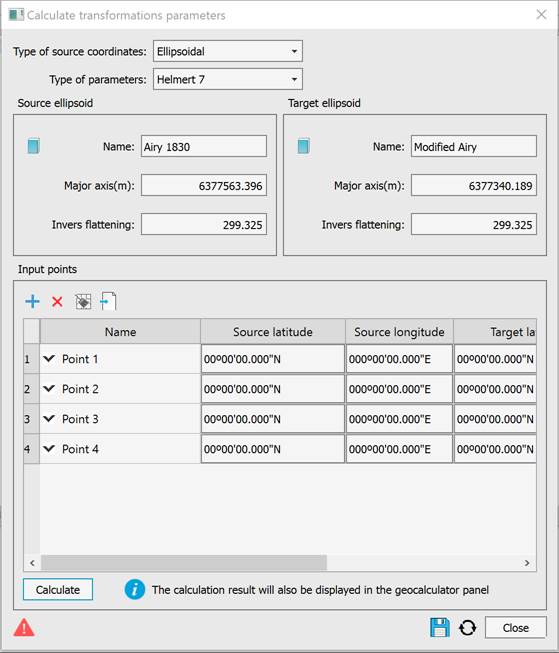
The coordinates are recalculated in the dialog box opened from the Transformation Parameters toolbar.
Distances and directions
Distances and directions are recalculated in the dialog box opened from the Distances and directions toolbar.
After selecting an ellipsoid from the library, the following tasks can be solved:
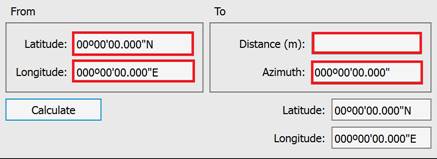
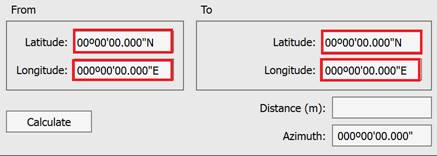
Azimuth and distance applied to a geodetic line.
Forward geodetic task.
Inverse geodetic task.
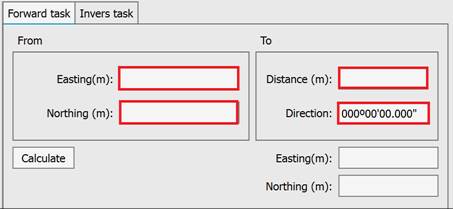
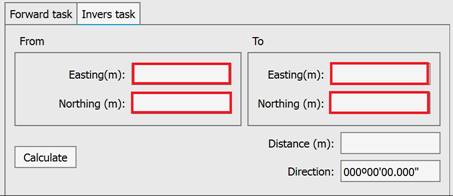
On a plane.
Forward and inverse geodetic tasks.
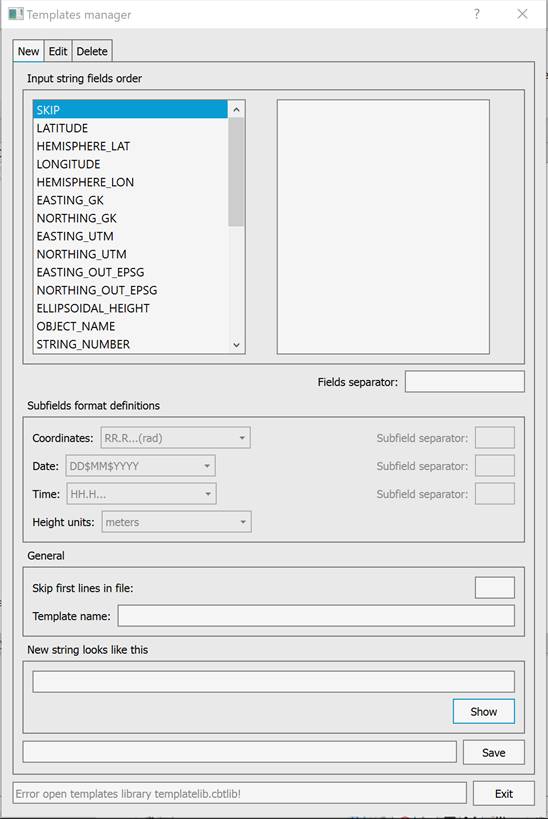
Templates
Feedback

Post your comment on this topic.