


Setting of the orthographic and isometric views
Setting of the orthographic and isometric views
To quickly set the view, select the View – Views and select the required standard orthographic and isometric views.
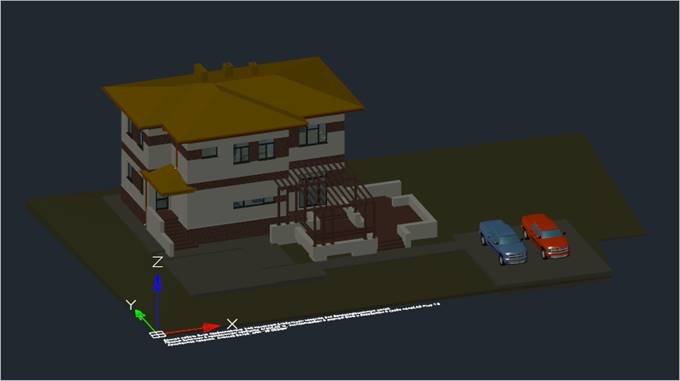
Orthographic Views
Set Top
 Menu: View – Views >
  Set Top
 Command line: VIEW1
Set the top view.
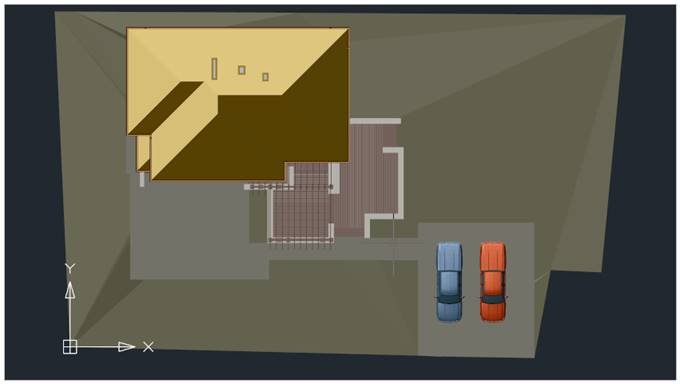
Set Bottom
Menu: View – Views >  Set Bottom
Command line: VIEW2
Set the bottom view.
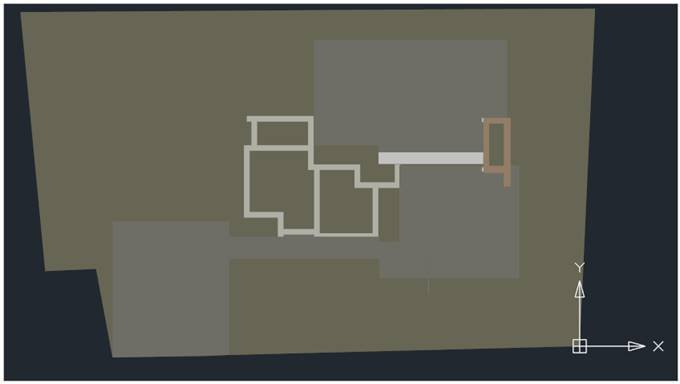
Set Left
Menu: View – Views >  Set Left
Command line: VIEW4
Set the left view.
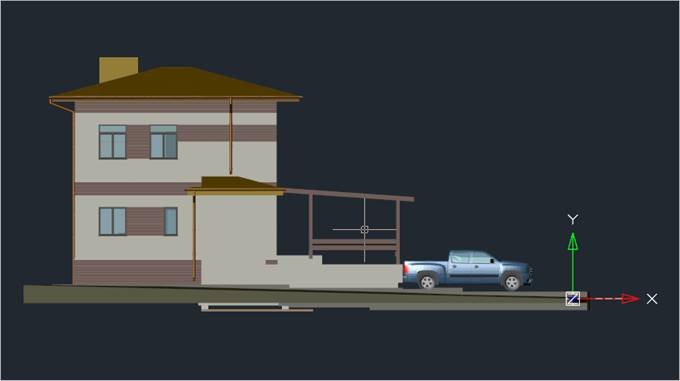
Set Right
Menu: View – Views >  Set Right
Command line: VIEW5
Set the right view.
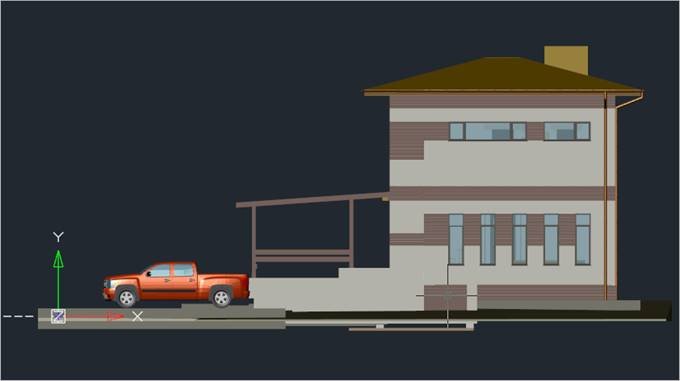
Set Front
Menu: View – Views >  Set Front
Command line: VIEW3
Set the front view.
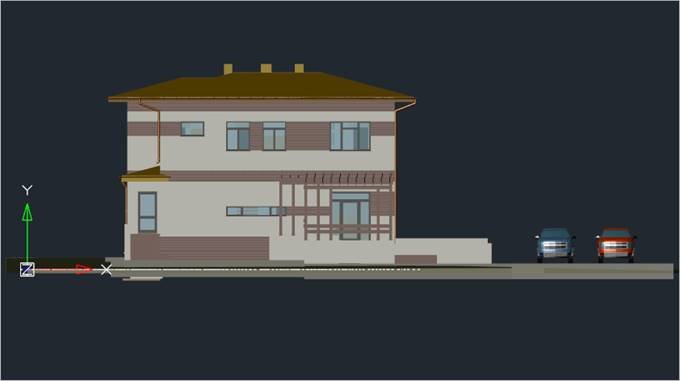
Set Back
Menu: View – Views >  Set Back
Command line: VIEW6
Set the back view.
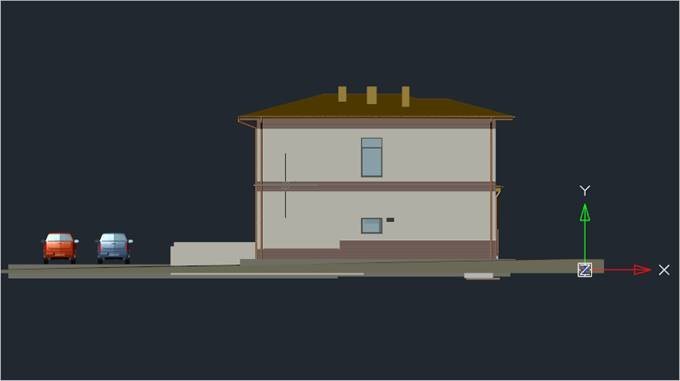
Isometric views
SW Isometric
Menu: View – Views >  SW Isometric
Command line: SWISO
Set the southwest isometric view.
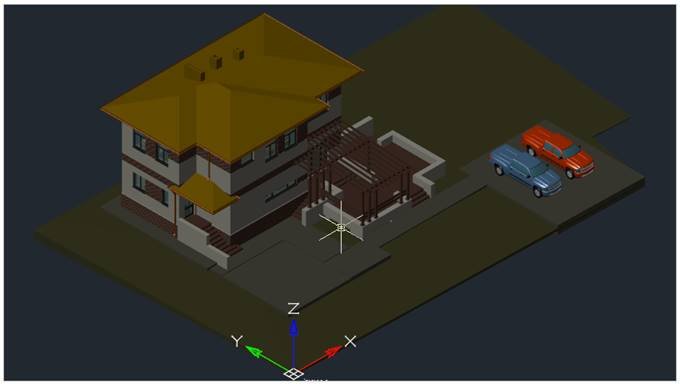
SE Isometric
Menu: View – Views >  SE Isometric
Command line: SEISO
Set the southeast isometric view.
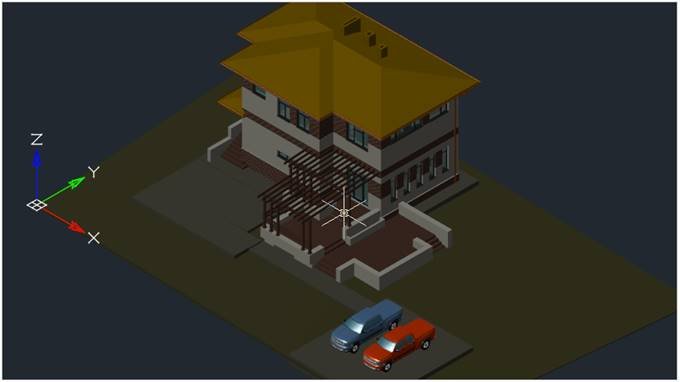
NE Isometric
Menu: View – Views >  NE Isometric
Command line: NEISO
Set the northeast isometric view.
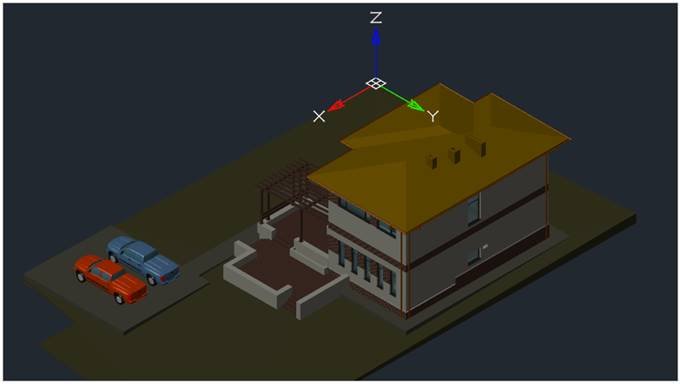
NW Isometric
Menu: View – Views >  NW Isometric
Command line: NWISO
Set the northwest isometric view.
Feedback

Post your comment on this topic.