


Ordinate dimension
 Main menu: Dimensions >
  Ordinate dimension.
Ribbon: Annotate – Dimensions > Ordinate.
Ribbon: Construction – Symbols > Ordinate dimension.
Toolbar: Dimensions > Ordinate dimension.
Context menu: Ordinate – when calling any dimension.
 Command line: SPMDIMORD, MDIMORD.
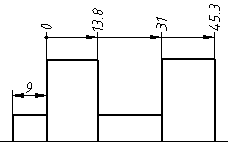
Procedure
1. Call the “Ordinate dimension” command.
2. Pick the location of the first dimension of the ordinate chain.
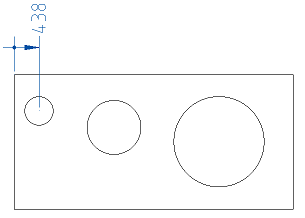
3. Select the first dimension you set. All subsequent dimensions will be snapped to it. If for some reason dimensioning has been completed (after the first dimension has been added), select the ordinate dimension (or autosize) again and specify the dimensioned.
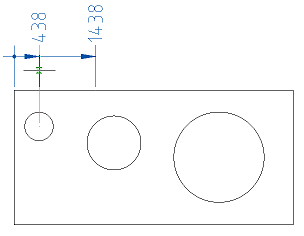
4. Sequentially specify the coordinates of the remaining dimensions.
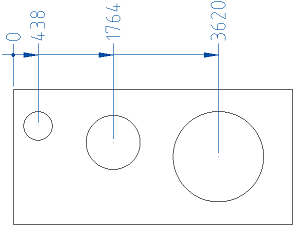
5. Press the “Esc” key to end the command.
Feedback

Post your comment on this topic.