


Using Variables
Important! This function is available only in vertical applications based nanoCAD
Tables BuildIndustry support the use of additional variables defined in a special dialog (form).
Procedure for creating a set of user-defined variables and their use in the table below:
In full table editor from the menu Edit invoke the command Form Editor.
Create a form with controls and bind each control to a field (variable). More information about the forms, see Form Editor .
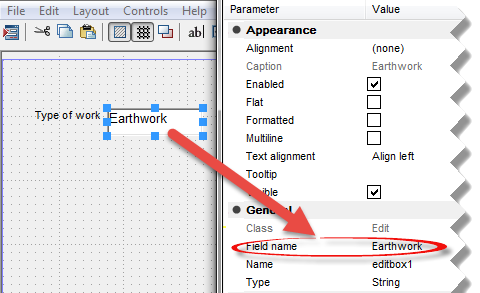
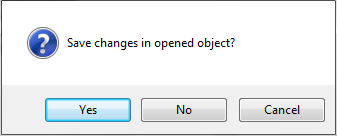
Close the form editor and save the form.
To set the variable, call the command form.
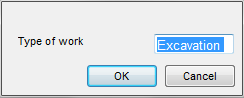
Open your form. Enter the desired values. Click OK.
Linking table cells with custom variables by using formulas.
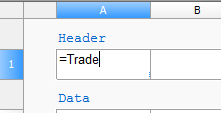
Cell value will be associated with the variable.
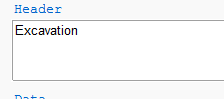
Variables can also be used in complex formulations.
Feedback

Post your comment on this topic.