


Functional panels
On the left side of the screen are added functional panels, such as:
Objects – displaying lists of all created objects nanoCAD Construction in the current document space – model space or sheet space. Directly from this palette, you can perform a number of actions with objects: edit, delete, hide and search for them.
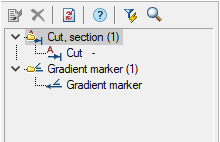
Selection – manager for working with object selections.
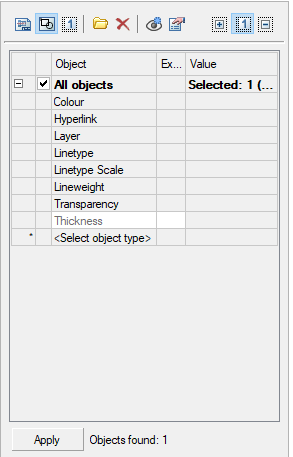
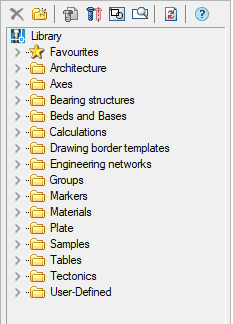
Library – display of the connected object database used for design.
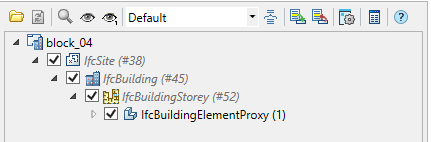
IFC – working with IFC-objects in a document.
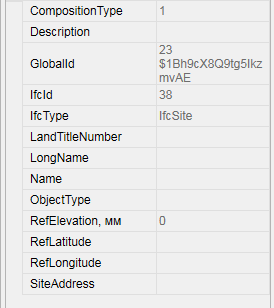
IFC properties – displaying properties of IFC objects.
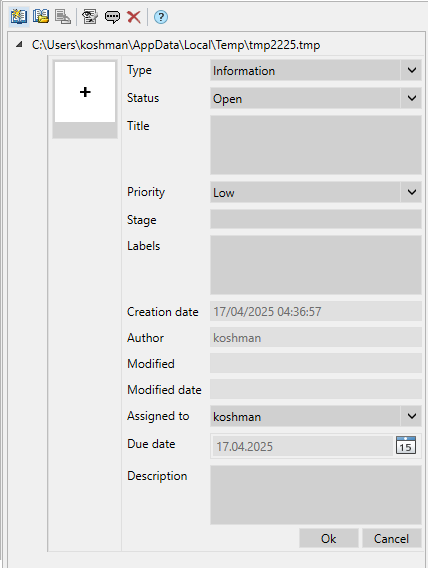
BCF – manager of work with comments to the information model.
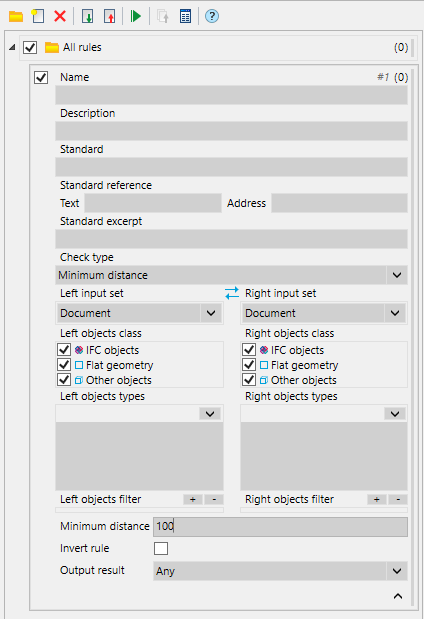
Model check – manager for checking the model for errors and collisions.
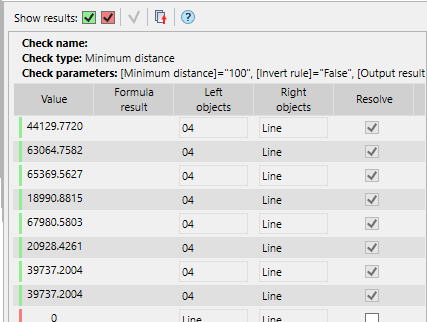
Model check report – output of the model checking result.
3D History – manager for managing 3D constructions on a drawing.
Feedback

Post your comment on this topic.