


User defined object
 Main menu: Construction – Library objects >
  User defined object.
Ribbon: Construction – Library objects > User defined object.
Toolbar: User defined object (on toolbar “Library objects”).
 Command line: SPCUSTOMOBJ.
Tool User object makes it easy to group in objects nanoCAD and nanoCAD Construction into a single object. Custom objects support the ability to overlap other objects in the drawing.
- Select the objects to create a custom object.
- Specify *part origin poin*t.
- Specify the * drawing insertion and direction.
- In the dialog box, set the value of the level of overlap of the object (for Level Z).
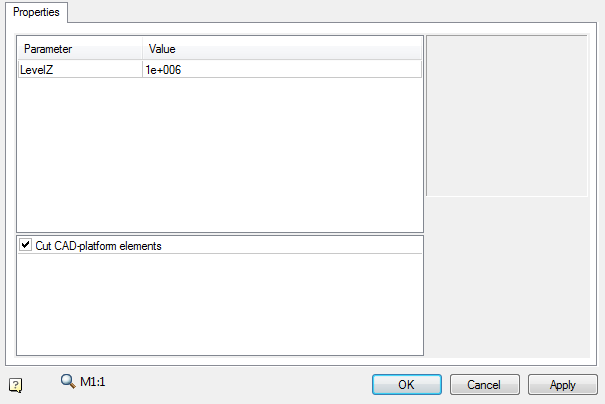
When you create a custom object contour suppression, external contour of the object is automatically detected contour suppression external contour of the object. Subsequently, the control circuit is used when objects overlap on the drawing..
Custom objects support editing with standard tools nanoCAD Construction .
Feedback
Copyright © 2026 CSoft AS
—
Powered by 
Post your comment on this topic.