


Table resources
Section Table of resources designed to create a multilingual resource strings details.
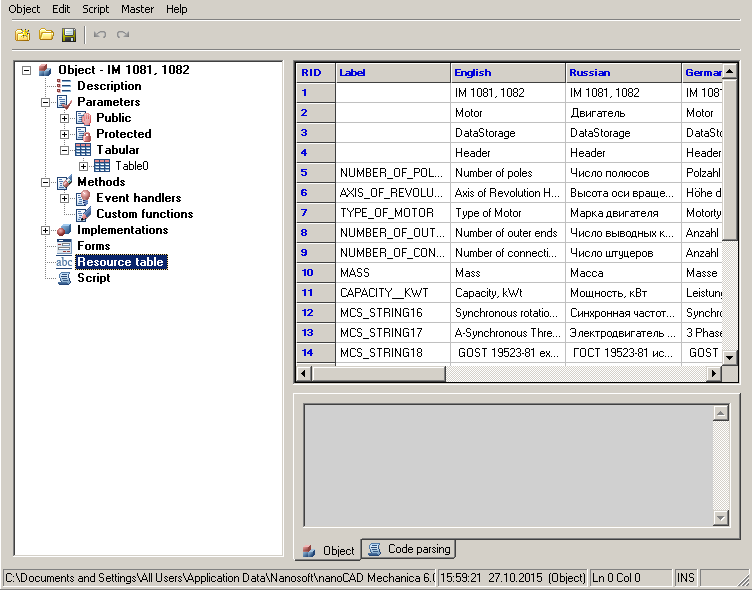
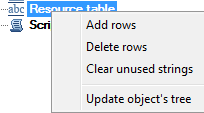
In the context menu section, there are options to add and delete rows.
Each resource can have a name (Label), by which it will be referenced from the script (by writing the @Resource Name ). The property is selected, the row that corresponds to the name of the resource (or its ID) and the column corresponding to the application language. Thus, we can ensure the correct operation of applications of different locations on the same database. Of course, the current local line must be completed, otherwise for non-Russian locale is selected resource corresponding to the English language.
Feedback
Copyright © 2026 CSoft AS
—
Powered by 
Post your comment on this topic.