


Add Object
 Main menu: Construction – Architecture >
  Add Object.
Ribbon: Construction – Architecture > Add Object.
Toolbar: Architecture > Add Object.
 Command line: SPOBJECTADD.
 Library: Architecture – Planar objects
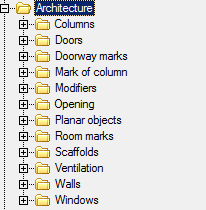
Database elements required can choose the type of object.
Construction of the facility plan can be directed to the wall. To do this, move the cursor to the wall and change its angle according to the angle of the wall.
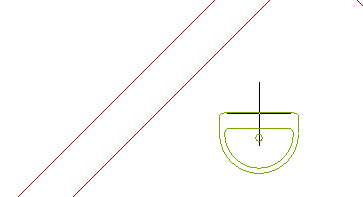
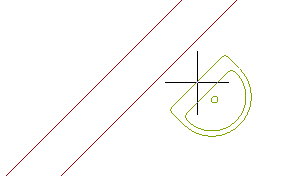
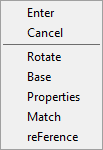
Rectangle – allows you to set the angle of rotation of the object.
Base – allows you to change the position of the reference point of the object. Clicking on the shortcut menu, you must specify the new position of the base point.
Properties – opens the Properties dialog box of the object if the object has editable properties.
Reference – allows you to set the benchmark for accurate positioning of the object.
Editing handles
The object plan usually has only one handle, which moves the object.
Feedback

Post your comment on this topic.