


Properties
Properties of the parts that can be changed and described in the script are displayed on the “Properties”. On this tab located custom and reference parameters, switches species details and details of performances.
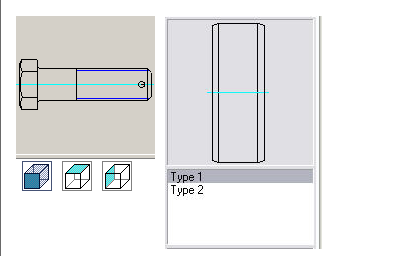
In the process of inserting parts “Glass” automatically set the relationship between the items “Bearing”, “End caps” and “Glass” (with parts falling into the aperture).
For items that have parameters available for manual entry or dynamically change tab “Properties” presents additional opportunities.
Consider the example of the detail “Glass” features interaction details.
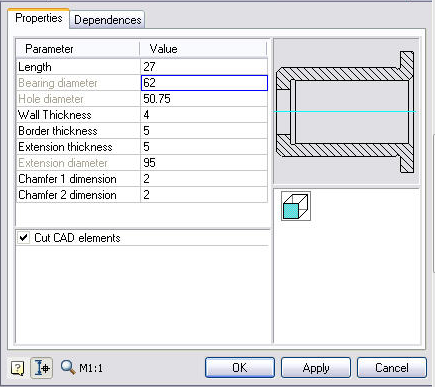
The “Bearing diameter” – gray. This says that this option is not available for editing and dependence associated with the diameter of the bearing.

To enable editing of this option, you must go to the tab “Dependencies” and remove the dependency between the diameter of the items “Bearing” and an inner diameter of workpiece “glass.”.
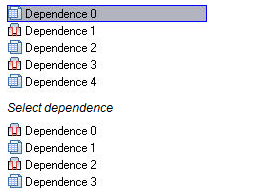
Remove Dependency pressing the “Delete”
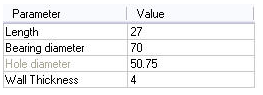
After this option is available for editing.
Feedback

Post your comment on this topic.