


The Editing
 Main menu: Construction – Edit –
  Edit….
Ribbon: Construction – Utilities – Edit….
Toolbar: Edit… ( “Edit”).
Context menu: Edit (on select object).
 Command line: SPEDIT, EDIT.
Editing Building – objects can be made in the following ways:
- right-clicking and selecting Edit Edit from the context menu;
- double-clicking the left mouse button on the nanoCAD Construction – object. This method is specified in the settings;
- with “grips”;
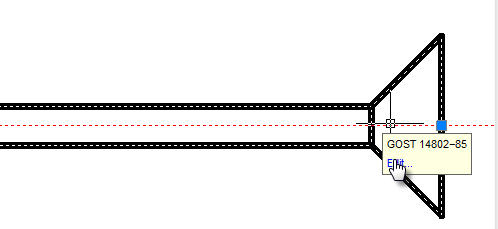
- calling on the Edit tooltip that appears when you hover the cursor over an object:
- properties dialog box (properties);
- standard commands Erase (ERASE), Move (MOVE), Copy (COPY), Rotate (ROTATE), Stretch (STRETCH).
Feedback
Copyright © 2026 CSoft AS
—
Powered by 
Post your comment on this topic.