


Conversion options
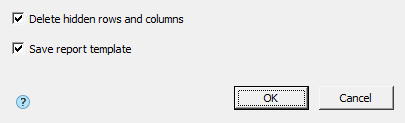
The “Conversion options” dialog is a filter that influences the set of transmitted data. Appears when converting a report to data and when exporting a table to Excel.
Converting a report to data
Delete hidden rows and columns – affects the conversion of hidden strings. If enabled, hidden rows are not passed to the data.
Table
line 4 is hidden
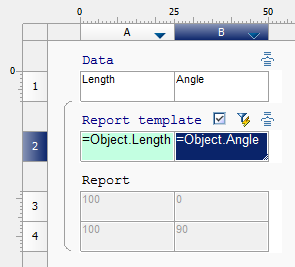
Turned on no hidden lines
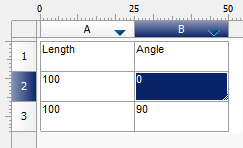
Turned off line 3 is hidden
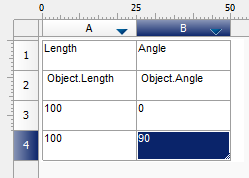
Note:
The converted hidden lines remain hidden.
Save report template – affects the conversion of report template strings to data. If enabled, strings are transferred.
Table
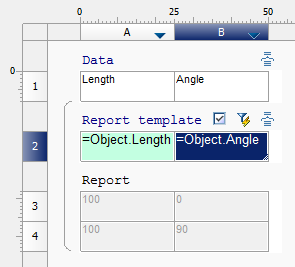
Turned on
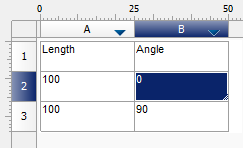
Turned off
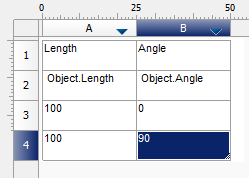
Export to Excel
Delete hidden rows and columns – the option does not affect the result, since hidden rows are not exported.
Save report template – affects the export of report template strings. If enabled, strings are transferred.
Table
Turned on
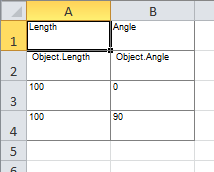
Turned off
Feedback

Post your comment on this topic.