


The Common settings


Current profile
Layer profiles are designed to organize the work of different departments of the enterprise over a single drawing file. Each user at the same time works with their group of layers, controlling their visibility by means nanoCAD.
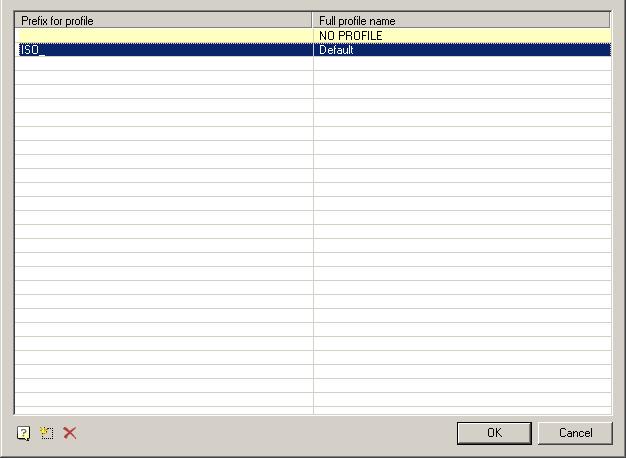
Since the design of the drawing depends on the settings of the deployment of registration of the layers and the current profile of the drawing, then for each object type you want to specify in the settings option to be placed on the appropriate layer (for example, callouts given layer “Leaders”)
Depending on the current profile to the layer name prefix will be added.
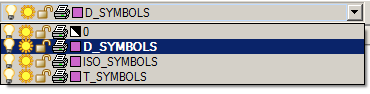
Thus, it is possible to group layers created by users with similar profiles (for example, the objects created by the designer – prefix “D_”, and technologists – prefix “T_”).
When adapting the distribution in the setup.ini file, you can assign a prefix in the parameter by default APP_OPTIONS_PROFILE.
Execute command “Regenerate” on opening document
The command “Regenerate” whenever you open a document
Feedback

Post your comment on this topic.