


Control the display of Hatched Objects
 Status bar: HATCH
Ribbon: Annotate – Hatch >  Show Hatches
 Command line: VIEWSHOWHATCHES)
The command to turn on and off the display of hatched objects, such as wide polylines, rings, shapes, fills, and hatches.
When the mode is turned off, objects are displayed as outlines on the screen, which increases the speed of processing large files and is also used when printing draft drawings.
Switching the fill mode does not affect objects drawn with line weight.
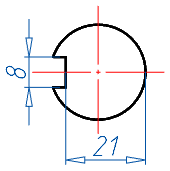
The mode is disabled
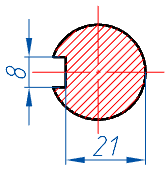
The modeis enabled
After switching the mode, the Regeneration (REGEN) command is automatically launched.
Display performance can also be improved by simplifying the text display.
Feedback
Copyright © 2026 CSoft AS
—
Powered by 
Post your comment on this topic.