


Import IFC plans
 Main menu: Construction – Architecture –
  Import IFC plans.
Ribbon: Construction – Architecture – Import IFC plans.
 Command line: SPIMPORTIFCPLANS.
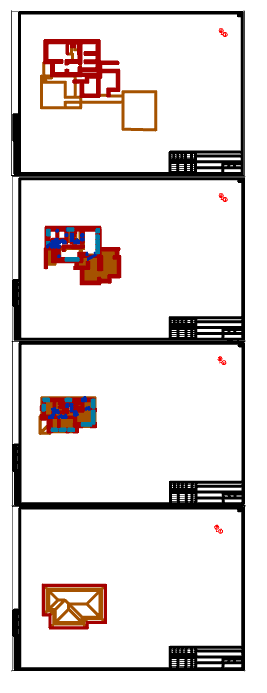
The command allows you to import a plan of an architectural object from an IFC file. Plans are formed from objects nanoCAD Construction .
Procedure
Important!
Before importing, make sure that you have the database of elements connected, as it contains objects nanoCAD Construction .
1. Call command “Import IFC plans”.
2. In the browser, select the IFC file from which the import will be made.
3. Wait a while while the plans are imported. The larger the file, the longer the import will take.
4. Plans will be built on the drawing. They will include: Formats, axes, walls, windows, doors and other architectural objects nanoCAD Construction .
Feedback

Post your comment on this topic.