


Remove part trim
 Main menu: Construction – Library objects – Part trim >
  Remove part trim.
Ribbon: Construction – Library objects > Remove part trim.
Toolbar: “Library objects”> Remove part trim.
 Command line: SPTRIMDELETE.
The command removes a previously created trim.
Procedure
1. Call the command “Remove part trim”.
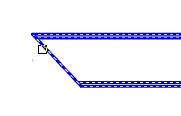
2. Specify the objects you want to reset and press “Enter” (or press “Spacebar”) to select all objects.
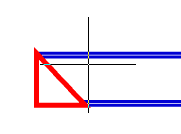
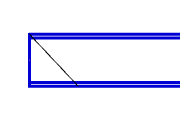
3. The specified objects will be restored to their original state.
Feedback
Copyright © 2026 CSoft AS
—
Powered by 
Post your comment on this topic.