


Division by page
 Division by page. tool is designed to separate the table into separate parts, without losing its integrity. With this feature, you can split a large table in order to place a format, while preserving the ability to edit the table as a single object.
When the command a dialog box appears page division.
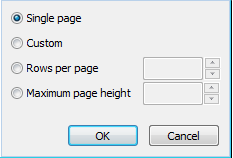
Switch single page disables table division.
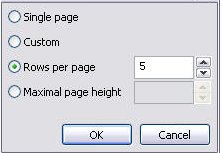
Select the method of dividing the table:
*Custom*- The table can divided into any parts.

Page break before a row is set by start new command from the context menu.
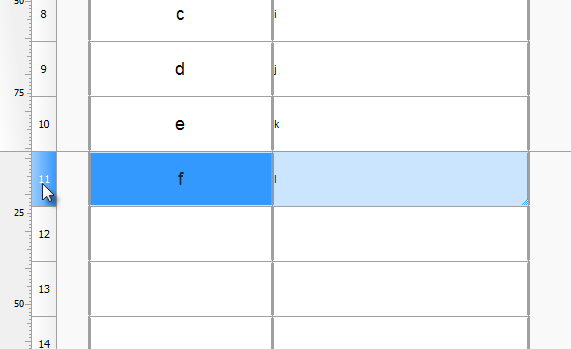
Close the dialog. The editor of the table indicate the boundaries of the gap, with the help of it, you can change the row height.
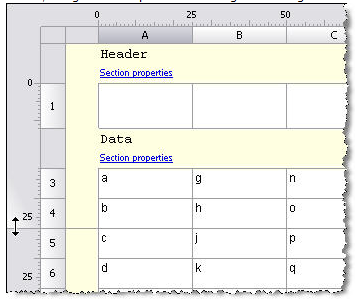
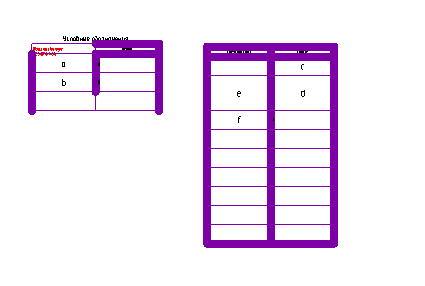
On the drawing table with a gap will be as follows:
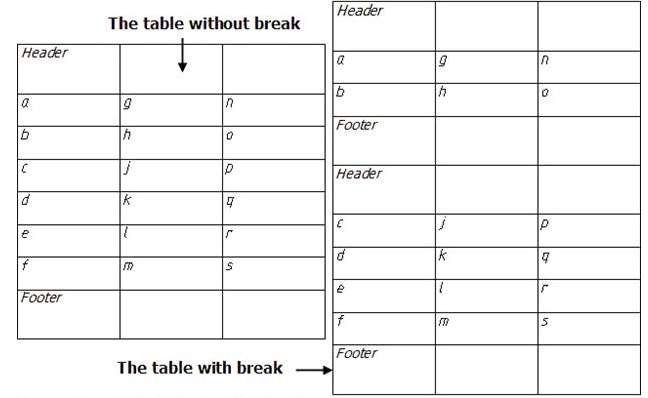
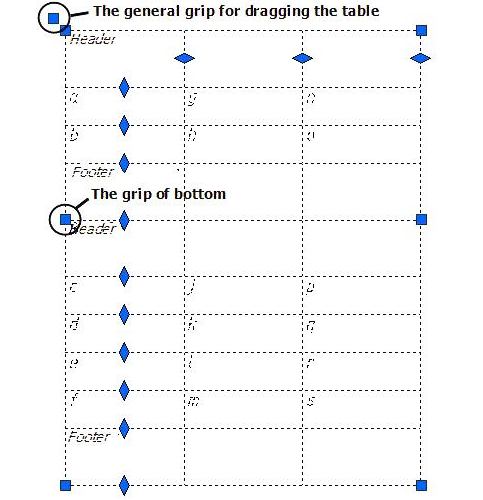
Side of the split table can be moved in the drawing independently, double-clicking on any part of the full table editor opens.
By row count enter the desired number of rows in a fragment. Headers do not count.
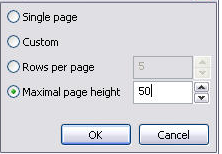
Dividing the table into parts allows each part tobe moved independently:
Feedback

Post your comment on this topic.