


Using gestures for shortcuts
Gestures are designed for quick access to commands from the main menu of the table editor. Gestures made with pressed RMB in the table editor.
Note:
If when the prompt appears gesture command being executed, you can omit the RMB.
Right – Calculator

Left – Notebook
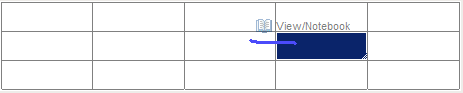
Up – Expression

Down – Cell properties

Right hook – Return
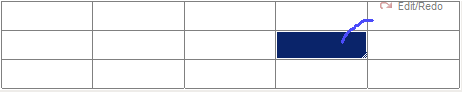
Left hook – Cancel
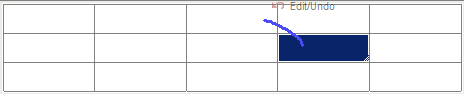
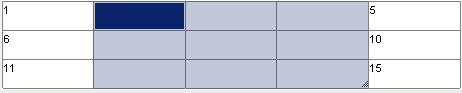
The closed area of the selected cells in a clockwise direction – Connection (merged cells pre-allocated)

Result:
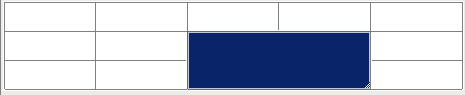
The closed area of the selected cells counterclockwise – Disconnection

Result:

Symbol “z” on select cells – Clear (pre-clean cell is released)

Result:
Feedback
Copyright © 2026 CSoft AS
—
Powered by 
Post your comment on this topic.