


Column
 Main menu: Construction – Architecture >
  Add Column.
Ribbon: Construction – Architecture > Add Column.
Toolbar: Architecture > Add Column.
 Command line: SPCOLUMNADD.
 Library: Architecture – Columns
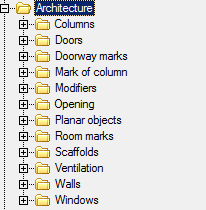
Using the library you can select different types columns as your need.
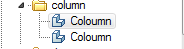
The column is not attached to the wall, but the slewing angle is oriented to the nearest wall. Needed to build the object and show the command to specify the insertion point.
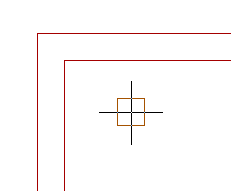
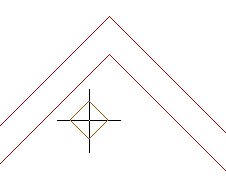
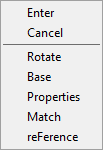
Rotate – allows you to set the angle of rotation of the column.
Base – allows you to change the position of the reference point of the column. Clicking on the shortcut menu, you must specify the new position of the base point.
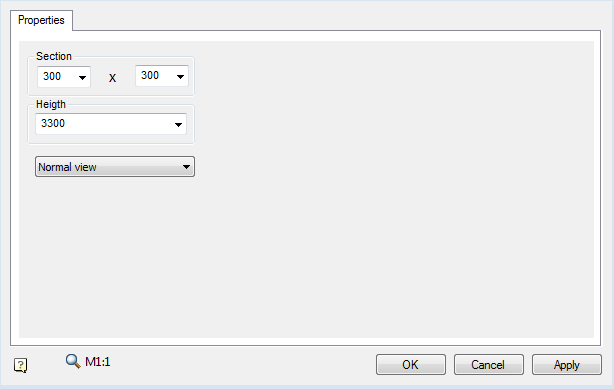
Properties – opens a dialog column, where you can specify the column.
Reference – allows you to set the starting point for accurate positioning of the column.
Editing handles
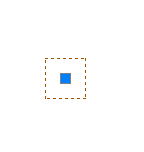
In the column there is only one handle, allowing movement of the object.
Feedback

Post your comment on this topic.