


Position
 Main menu: Construction – Symbols –
  Position.
Toolbar: Position (toolbar “Symbols”).
 Command line: SPPOS.
Specify the insertion point to the first marker position or call the context menu command “P-properties.”
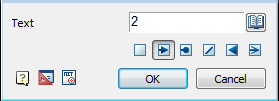
In the dialog box Tagging enter text.
Select an arrow. Click OK.
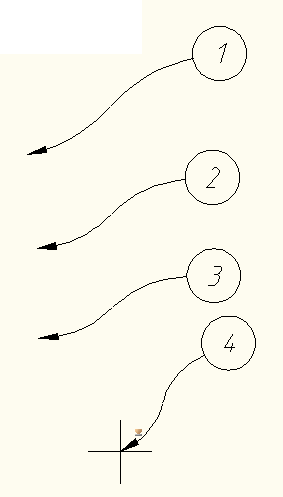
Insert the desired number of drawing markers. Subsequent node number is automatically incremented from the previous.
Fundamental rules
This command draws the drawing reference numerals used in the drawings.
Sequencing
Insert position by specifying the datum marker
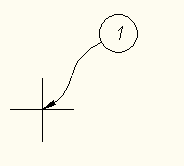
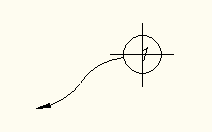
Next, mark the position statement of the position:
Inserted into a single command cycle positions are automatically numbered
To specify additional options position must call dialog “Position”, where you can specify the text position display option arrows (switches below the text input field).
Feedback

Post your comment on this topic.