


Show object relations
 Main menu: Construction – Tables and title blocks >
  Show object relations.
Ribbon: Construction – Tables and title blocks > Show object relations.
Toolbar: Construction Tables and title blocks> Show object relations.
 Command line: SPREFSHOW, .
The command visualizes relations between objects.
Procedure
1. Call command Show object relations.
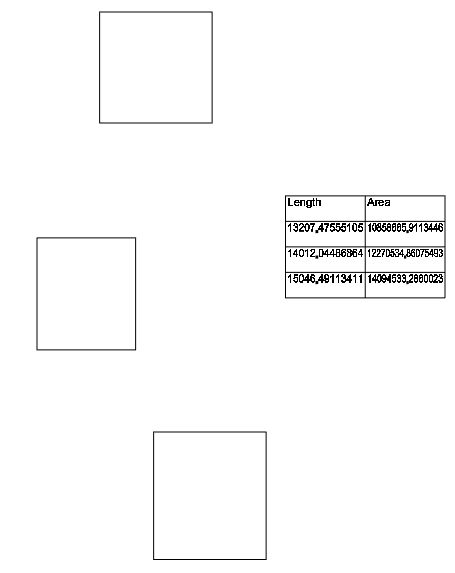
2.Specify the objects whose relationships you want to display.
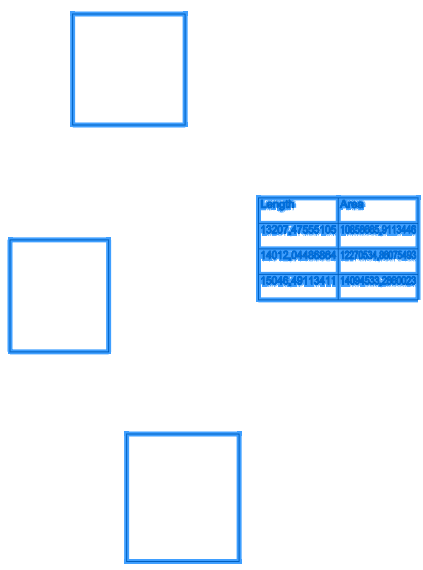
3. Press “Enter” to confirm your selection. The relations will be displayed.
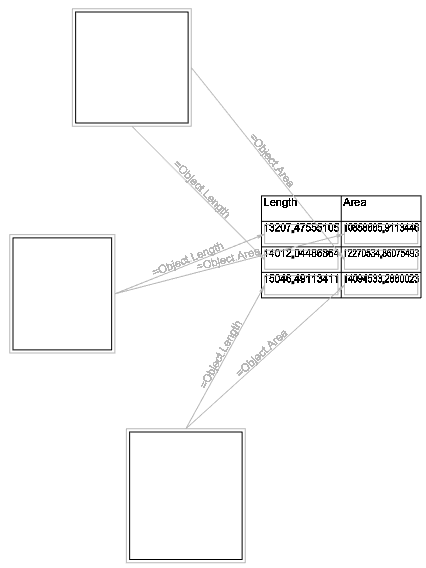
Linked objects are framed with a frame. Objects are connected to each other with an arrow and a caption. The arrow can be two-sided if the link is bidirectional. The caption above the arrow contains an expression that is passed from one object to another.
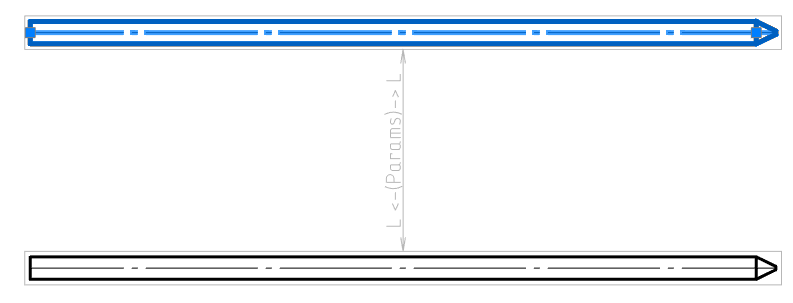
An example of bidirectional relation.
Feedback

Post your comment on this topic.