


Create equipment
 Main menu: Construction – Communications >
  Create equipment.
Toolbar: Communications > Create equipment.
 Command line: SPCREATEEQUIPMENT.
This command creates a new template equipment and places it in Template library.
To create
1. Create graphics equipment.
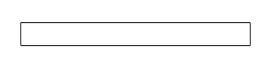
2. Set the necessary ports. Subsequently, the interconnection of networks will be carried out between the ports.
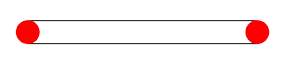
3. Select a team creation of the equipment.
4. Specify the drawing graphics with ports for the equipment. Confirm your selection (press Enter). If graphics and ports are not selected, the grafics will be taken by default.
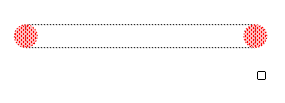
5. Specify the base point of the insertion created equipment.
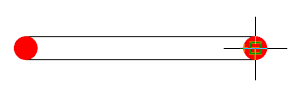
6. After specifying the form will be “Create element”, in which said storage elements in the base template, name, note and confirm the entered parameters.
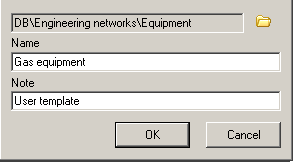
7. Next, open the edit form, this form Template library. The process of editing the template “Equipment” is described in detail in the section Template library.
Feedback

Post your comment on this topic.