


The Notes
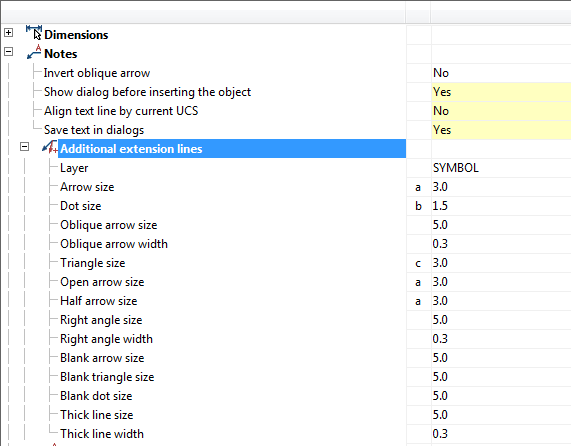
Settings of notes, such as text, arrows, pointers.
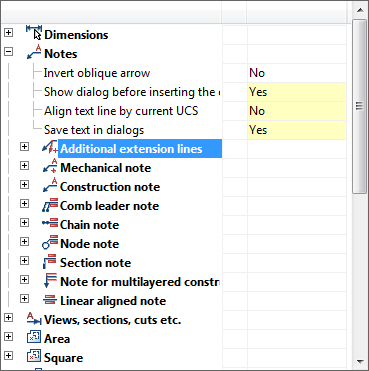
Invert oblique arrow
Allows you to choose the direction of oblique arrow in leader.
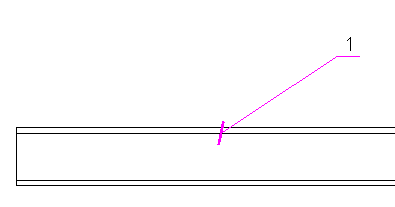
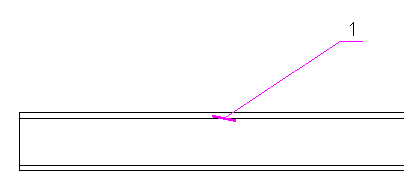
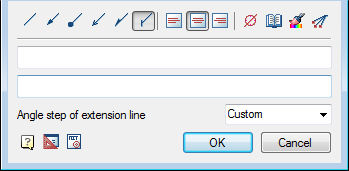
Show dialog before inserting the object
When this option is enabled, the dialogue is displayed before inserting note.
Align text line by current UCS
When this option is on, shelves of leaders are rotated by the User coordinate system.
Save text in dialogs
When this option is enabled on inserting the following notes previously entered text remains in the input field.
The remaining options allow you to change the size of text, indexes, thickness, layer placement, color, etc.
Feedback
Copyright © 2026 CSoft AS
—
Powered by 
Post your comment on this topic.