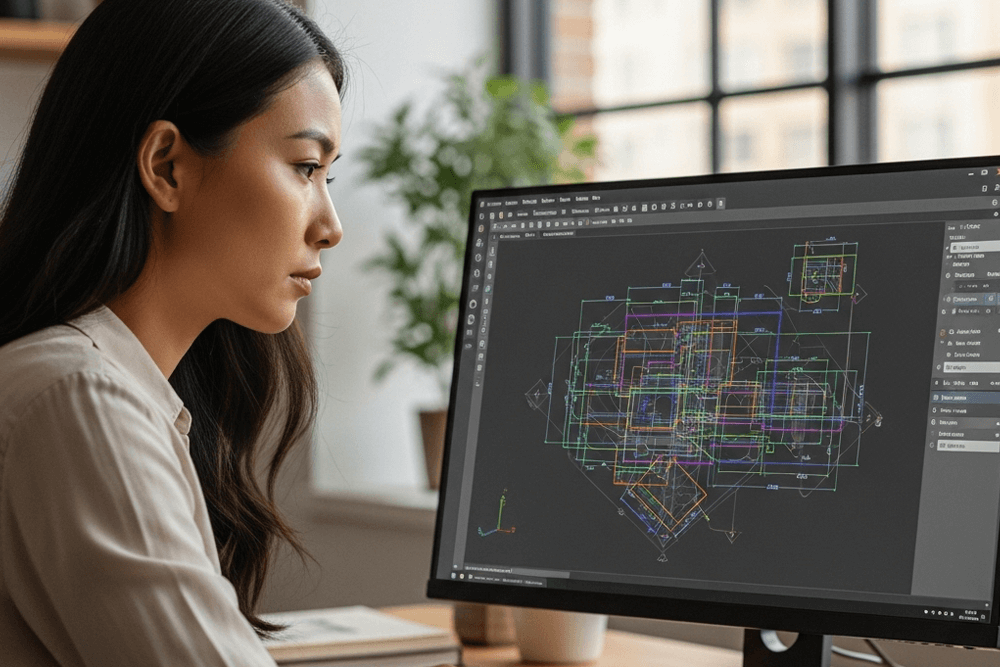
Construction Drawing Software for Architects, Engineers & Building Design
Construction drawings are the foundation of every successful building project. Architects, civil engineers, and construction professionals rely on precise CAD tools to create detailed floor plans, structural layouts, sections, and documentation that guide the entire construction process. Modern projects demand software that can produce accurate, standards-compliant construction drawings quickly while maintaining full DWG compatibility for seamless collaboration.
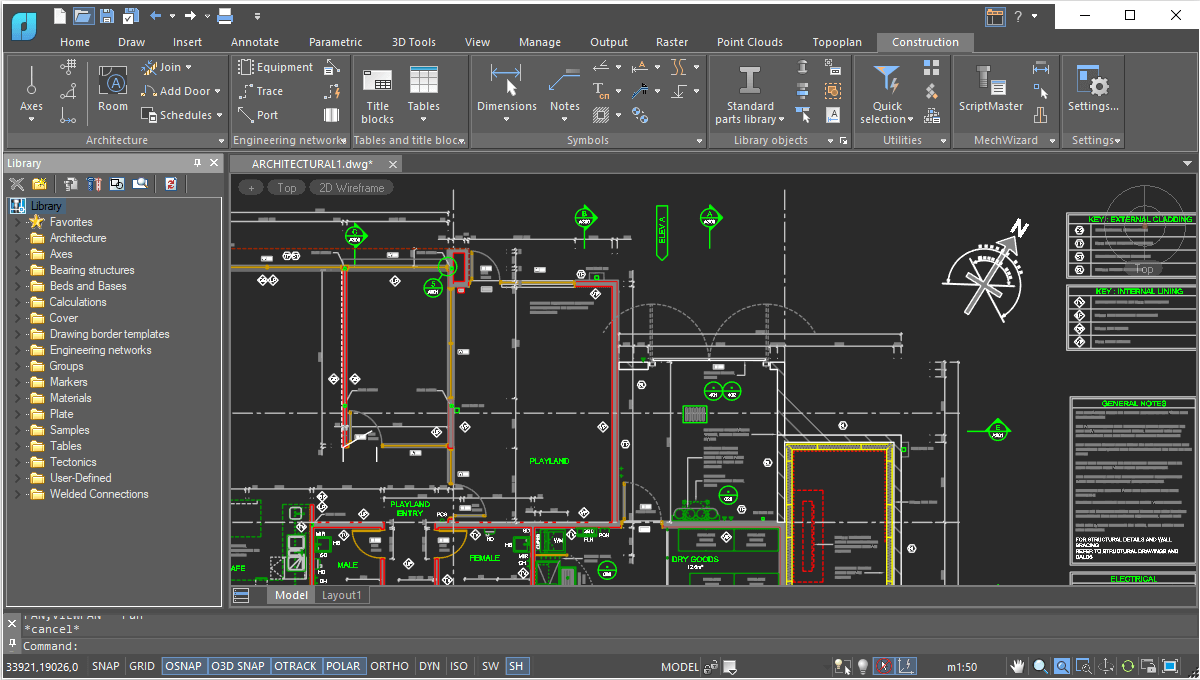
nanoCAD Construction is a powerful construction drawing software designed specifically for professionals working in architecture, civil engineering, and building design. Built on the nanoCAD platform, it combines advanced AEC drafting tools, parametric construction elements, and intelligent documentation features to simplify the preparation of construction drawings and project documentation.
With nanoCAD, users can efficiently create architectural layouts, walls, windows, doors, engineering networks, room schedules, and technical reports while maintaining full control over project accuracy and standards. The software provides an extensive library of parametric building components and automation tools that reduce repetitive drafting tasks and improve design productivity.
Whether you are designing residential buildings, commercial facilities, or industrial structures, nanoCAD helps construction professionals produce clear, scalable, and professional construction drawings faster than traditional drafting workflows. Its familiar CAD interface, native DWG support, and cost-effective licensing make it an ideal choice for teams looking for a high-performance alternative to expensive CAD solutions.
New in Construction Module
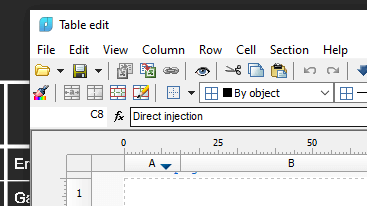
- Improvements to tables
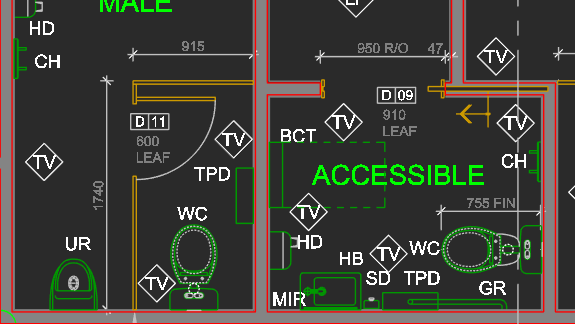
- Conversion of multileaders to nanoCAD leaders
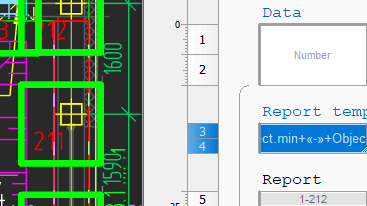
- Clear Room Finishes
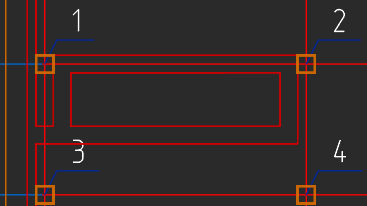
- Pick from Drawing: Viewport Property Reading
Get Started
Key Features
Smart Drawing and Editing Utilities
Powerful Table Editor
Automatic Reports
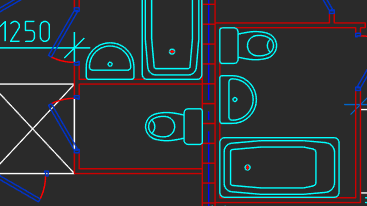
Architectural Layouts
Engineering Networks
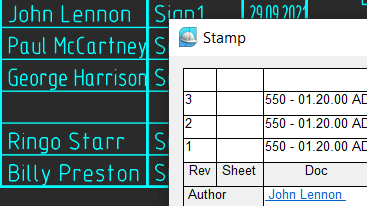
Parametric Borders and Title Blocks
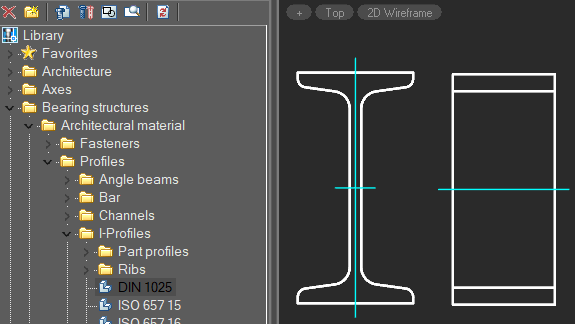
Parametric Parts Library
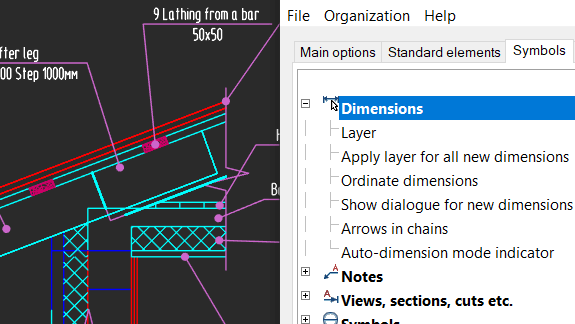
Customized Settings
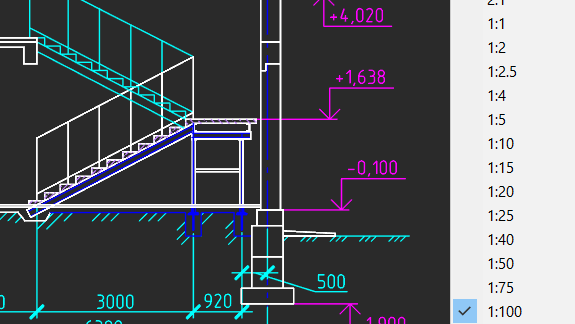
Objects Scaling
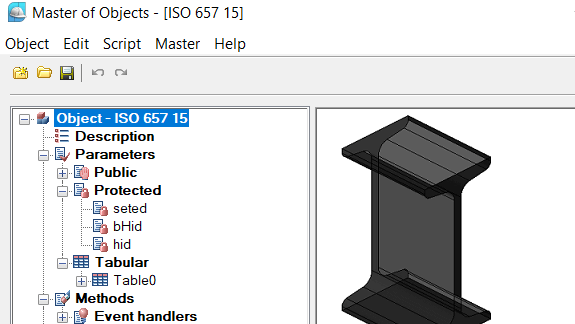
Create Custom Parametric Objects
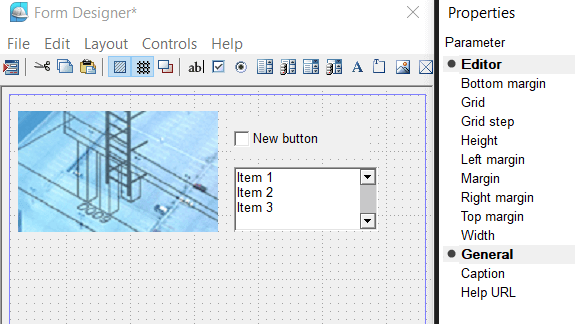
Create Custom Dialog Boxes
nanoCAD Construction for Building & Infrastructure Projects in India
Why Construction Professionals in India Choose nanoCAD Construction?
Building & Civil Toolset
Native DWG Compatibility
Faster Drawing Production
Cost-Effective for Indian Firms
Built for Indian Construction Workflows
Indian AEC teams require:
- Fast plan revisions
- Standard-compliant drawings
- Reliable DWG exchange
- Affordable licensing
Ideal Use Cases
nanoCAD Construction is widely used for
Building plan drafting
Construction drawings
Residential & commercial layouts
Infrastructure project drawings
Who Should Use nanoCAD Construction?
- Civil engineers
- Architects
- Construction companies
- CAD training institutes
- Engineering students (civil/architecture)
- Infrastructure planners
Affordable CAD for Indian Construction Teams
In India’s competitive construction market, controlling software cost is essential- especially for consultants, contractors, and growing AEC firms
nanoCAD Construction provides professional building drafting without the high licensing burden.
Why It Works for Indian Market:
- Lower total cost of ownership
- Suitable for small and mid-size AEC firms
- Minimal learning curve for CAD users
- Smooth DWG collaboration
- High ROI for ongoing projects
Get a Quote
Boost Your Construction Documentation Speed
With nanoCAD Construction you can:
- Reduce manual drafting effort
- Improve drawing consistency
- Speed up project delivery
- Standardize construction documentation
Quick Video Guides
Advanced FAQ for nanoCAD Construction module
Does nanoCAD Construction support native DWG files without conversion?
Yes. nanoCAD Construction works directly with native DWG files. You can open, edit, and share drawings without format conversion, ensuring smooth collaboration with architects, structural engineers, and contractors.
Can nanoCAD Construction be used for full construction drawing sets?
Absolutely. nanoCAD Construction is suitable for complete construction documentation, including:
- Floor plans
- Sections and elevations
- Working drawings
- As-built drawings
- Detail drawings
Is nanoCAD Construction suitable for Indian civil and architectural workflows?
Yes. nanoCAD Construction is well-suited for Indian AEC workflows where teams require:
- Fast revisions
- Accurate dimensioning
- DWG compatibility
- Cost-effective licensing
Does the Construction module include tools for automated drafting?
Yes. nanoCAD Construction provides specialized construction tools that help automate repetitive drafting tasks such as:
- Standard building elements
- Annotation workflows
- Drawing setup tasks
How does nanoCAD Construction help improve project delivery speed?
The module improves delivery speed by:
- Automating routine drafting steps
- Maintaining DWG-native workflow
- Reducing rework during revisions
- Standardizing drawing outputs
Can multiple team members collaborate using nanoCAD Construction?
Yes. Since the software uses native DWG format, multiple stakeholders- including architects, civil engineers, and contractors- can collaborate smoothly using shared drawing files.
Is nanoCAD Construction lightweight enough for standard office PCs?
Yes. nanoCAD Construction is designed to run efficiently on typical engineering workstations. Most Indian firms can deploy it without requiring high-end hardware upgrades.
Does nanoCAD Construction support large infrastructure drawings?
Yes. The software can handle large and complex construction drawings, making it suitable for:
- Commercial buildings
- Industrial projects
- Infrastructure layouts
- Large residential developments
How steep is the learning curve for AutoCAD-experienced users?
The learning curve is minimal. Users familiar with standard CAD workflows can quickly adapt due to:
- Familiar command structure
- Similar interface logic
- Native DWG environment
Is nanoCAD Construction cost-effective for MSME construction firms in India?
Yes. nanoCAD Construction is particularly attractive for MSMEs because it offers:
- Lower total cost of ownership
- Professional construction toolset
- Scalable deployment
- Strong ROI for ongoing projects