
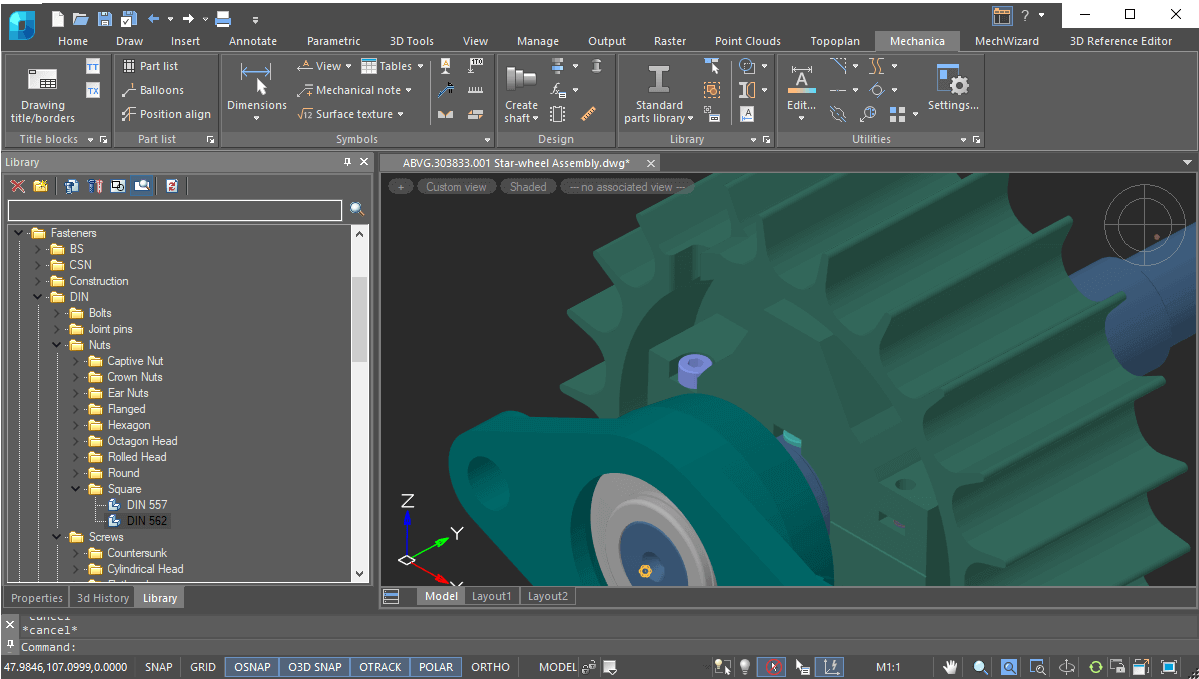
nanoCAD Mechanica- Mechanical CAD Software for Engineers
nanoCAD Mechanica is professional mechanical CAD software in India designed for engineers and manufacturers. It offers parametric design tools, DWG drafting, and standard mechanical parts libraries.
It is a powerful mechanical engineering solution that combines precise 2D drafting with advanced 3D mechanical designing in one integrated platform. Built on an advanced parametric engine and supported by a large library of standard parts, it enables faster design development while ensuring accuracy and compliance with industry standards. Mechanical engineers in India often struggle with expensive CAD licenses and limited DWG compatibility. That’s exactly where nanoCAD Mechanica makes the difference.
Purpose-built for mechanical design professionals, Mechanica helps you create detailed machine parts, fabrication drawings, and industrial layouts with confidence. Its native DWG compatibility ensures seamless collaboration, while its cost-effective licensing model removes the burden of high subscription fees.
Whether you are an MSME, a manufacturing company, or an independent mechanical engineer, nanoCAD Mechanica empowers you to develop high-quality engineering drawings and complete project documentation—faster, smarter, and more affordably.
New in Mechanica Module
- Reworking of sheet metal
- DIN Flanges
- Fasteners according to standards
Get Started
Key Features
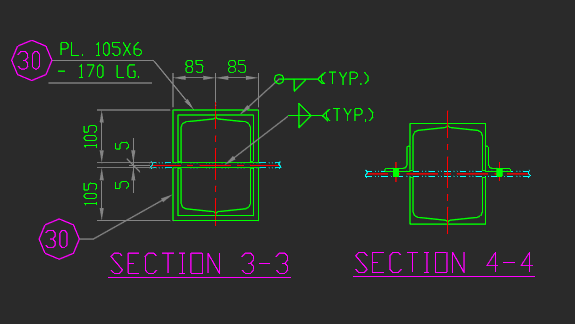
Broad Range of Design Tools
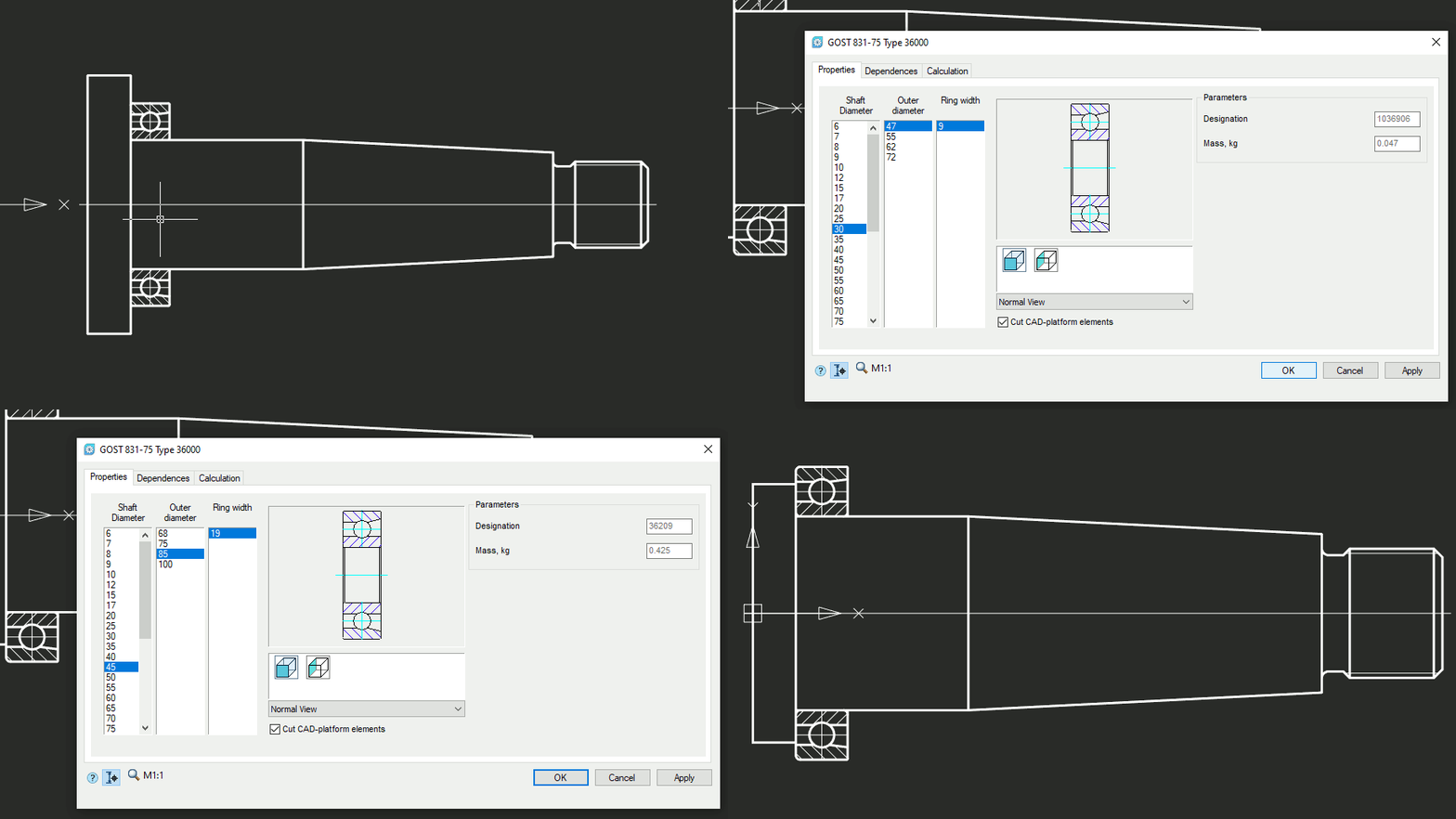
Parameterized Parts Database
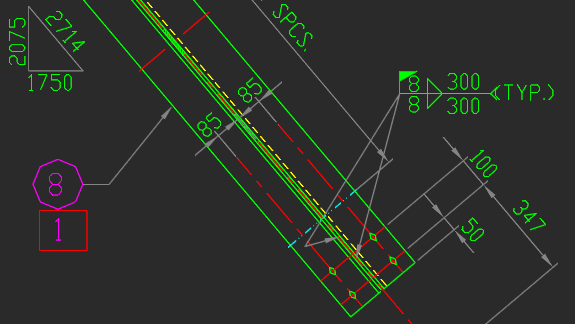
Standards-based Engineering Drawings
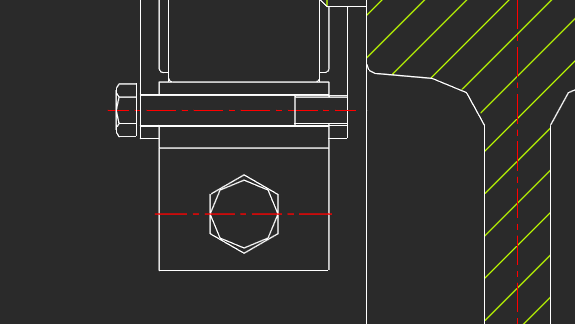
Designing Bolted and Riveted Joints
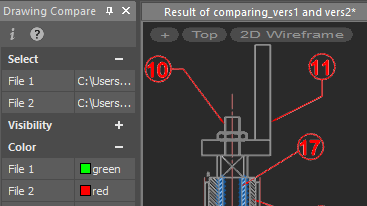
BOM Tools
Other Important Features
Dimension Styles
Detail Views with Automatic Updates
MechWizard Parameterizer
Calculation Wizard
Mechanica for Mechanical Design Projects
Why Mechanical Engineers in India Choose nanoCAD Mechanica?
Dedicated Mechanical Libraries
Native DWG Workflow
Faster Production Drawings
Cost-Effective for MSMEs & Consultants
Built for Indian Mechanical Workflows
From small fabrication workshops to large manufacturing firms, Indian mechanical teams need:
- Standard-compliant drawings
- Fast revision capability
- Reliable DWG exchange
- Affordable licensing
nanoCAD Mechanica is designed to meet these exact requirements.
Ideal Use Cases
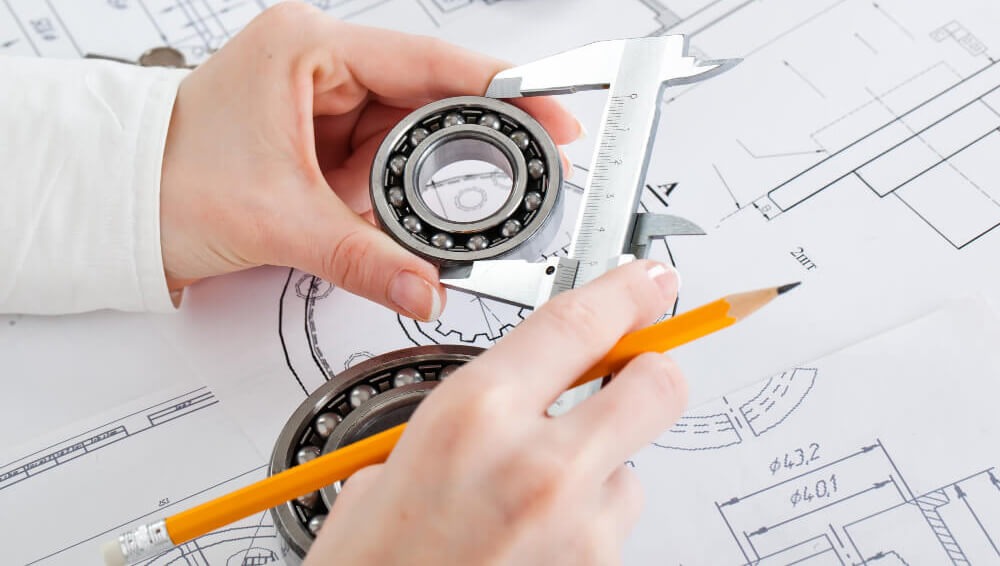
Machine component design
Fabrication drawings
Industrial equipment layouts

Plant engineering documentation

Workshop production drawings

Sheet metal detailing
Who Should Use nanoCAD Mechanica?
- Mechanical design engineers
- Manufacturing companies
- Fabrication consultants
- Plant engineers
- CAD trainers & institutes
- Mechanical Engineering students
Affordable CAD for Indian Mechanical Teams
In the Indian manufacturing and fabrication ecosystem, controlling software cost is critical- especially for MSMEs, job shops, and independent consultants.
nanoCAD Mechanica delivers enterprise-grade mechanical drafting at a fraction of traditional CAD costs.
Why It’s Budget-Friendly for India:
- Lower upfront investment compared to high-end CAD tools
- Flexible licensing suitable for small and mid-size teams
- No costly DWG conversion workflows
- Reduced training time due to familiar interface
Result: More productivity with controlled software spend.
Get a Quote

nanoCAD Mechanica vs Traditional Mechanical CAD Tools
Mechanical engineers often compare tools based on cost, DWG compatibility, and drafting efficiency. Here’s how nanoCAD Mechanica stands out:
| Feature | nanoCAD Mechanica | Traditional Mechanical CAD |
|---|---|---|
| Native DWG support | Yes | Sometimes requires conversion |
| Mechanical libraries | Built-in | Available |
| Cost for Indian users | Affordable | Expensive licenses |
| Learning curve | Easy for DWG users | Moderate |
| Ideal for MSMEs | Highly suitable | Often costly |
Boost Your Mechanical Drafting Productivity
With nanoCAD Mechanica you can:
- Reduce manual drafting time
- Standardize mechanical documentation
- Improve drawing accuracy
- Speed up project delivery
Quick Video Guides
Advanced FAQ for nanoCAD Mechanica
What types of mechanical drawings can be created using nanoCAD Mechanica?
nanoCAD Mechanica supports a wide range of mechanical documentation including machine part drawings, assembly drawings, fabrication layouts, production drawings, and industrial equipment schematics within a native DWG environment.
Does nanoCAD Mechanica support standard mechanical dimensioning and tolerances?
Yes, the module provides tools for precise mechanical dimensioning, tolerance indication, and standards-compliant annotation, making it suitable for manufacturing and workshop documentation.
Can nanoCAD Mechanica replace expensive mechanical CAD software?
For many 2D mechanical drafting and production drawing workflows, nanoCAD Mechanica serves as a cost-effective alternative.
Can nanoCAD Mechanica handle large assembly drawings efficiently?
Yes. nanoCAD Mechanica is optimized for handling complex and large mechanical drawings, including multi-component assemblies commonly used in plant and machinery design workflows.
Is nanoCAD Mechanica compatible with existing DWG mechanical drawings?
Yes, it works directly with native DWG files, allowing engineers to open, edit, and reuse existing mechanical drawings without conversion or data loss.
Does nanoCAD Mechanica include standard mechanical symbol libraries?
Yes. The software includes pre-built mechanical libraries and standard components that help reduce repetitive drafting work and improve documentation consistency.
Is nanoCAD Mechanica suitable for small manufacturing units and MSMEs?
Yes. It is particularly beneficial for MSMEs and small manufacturing firms that need professional mechanical CAD capabilities at a cost-effective licensing level.
Does nanoCAD Mechanica support layer management and block workflows for mechanical projects?
Yes, it fully supports advanced layer control, reusable blocks, and template-based workflows, helping mechanical teams maintain standardized drawings.
Can engineering students learn mechanical drafting using nanoCAD Mechanica?
Yes. Because of its DWG-based workflow and intuitive interface, nanoCAD Mechanica is widely suitable for mechanical engineering students and CAD training institutes.