
Advanced 3D Solid Modeling module for Engineering and Product Design
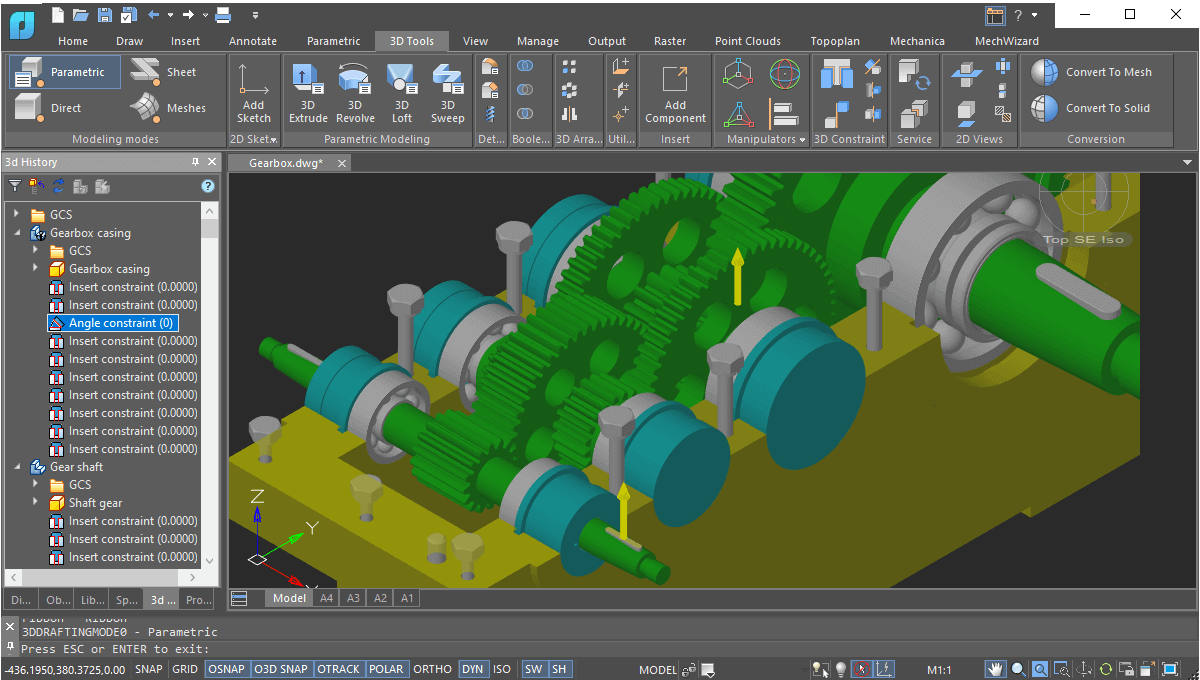
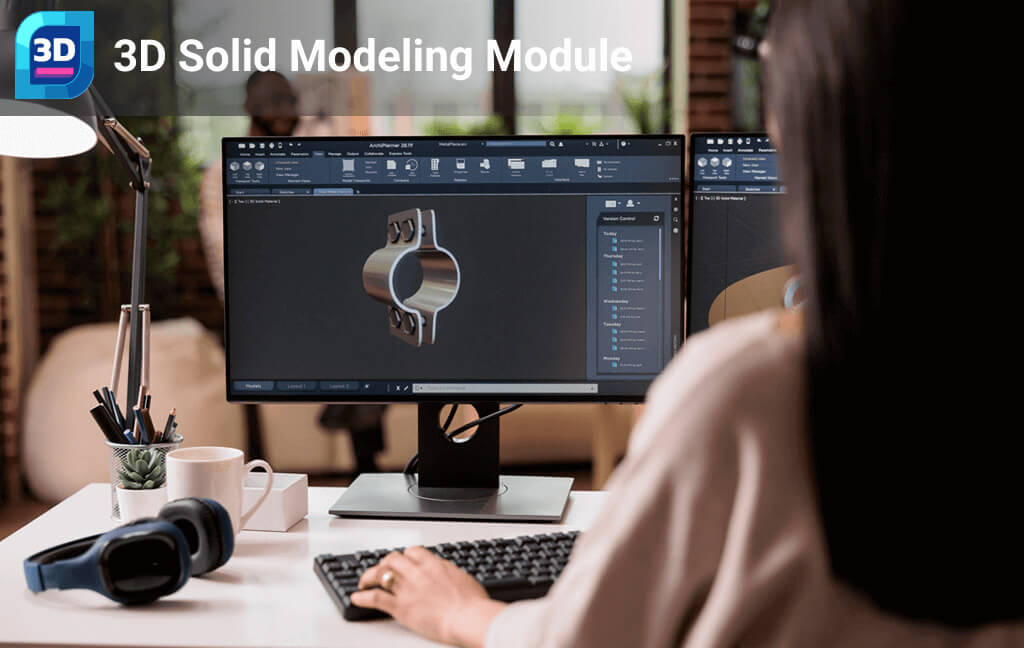
Modern engineering and product development demand powerful 3D solid modeling tools that allow designers to build, modify, and visualize complex components with precision. The nanoCAD 3D Modeling Module delivers a complete environment for creating detailed 3D models, assemblies, and mechanical structures while maintaining full control over geometry and design parameters.
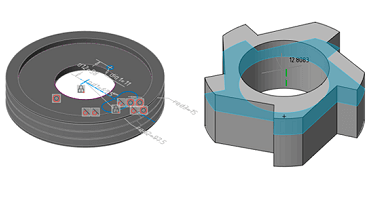
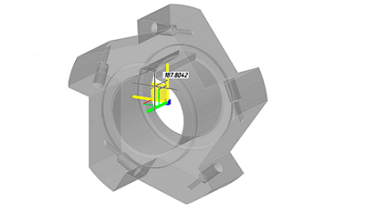
Engineers can construct models using both parametric modeling and direct editing techniques, enabling flexible design workflows. Parametric modeling records the history of design steps and relationships between components, allowing quick modifications and design optimization. Direct modeling enables intuitive editing by pushing, pulling, and reshaping geometry in real time for rapid prototyping and concept development.
The module also supports 3D constraints and assembly tools, making it easy to connect multiple parts and create fully functional mechanical assemblies. Designers can track the entire modeling process through a history tree, ensuring accurate control over every stage of the design lifecycle.
With support for widely used engineering exchange formats such as STEP, IGES, STL, and Parasolid, 3D models can be shared seamlessly with manufacturing systems, CNC machines, and visualization platforms. This ensures efficient collaboration between design, engineering, and production teams.
Whether you are developing mechanical components, industrial equipment, product prototypes, or engineering assemblies, the nanoCAD 3D Modeling Module provides the precision, flexibility, and visualization capabilities needed to turn complex ideas into fully detailed digital models.
Professional 3D Modeling Tools for Mechanical, Industrial, and Product Design
New in 3D Solid Modeling Module
- New Standards of 3D Tread
- Assembly 3D constraints for torus-torus and torus-sphere contact
Get Started
Key Features
Parametric 3D Solid Modeling
Direct 3D Modeling
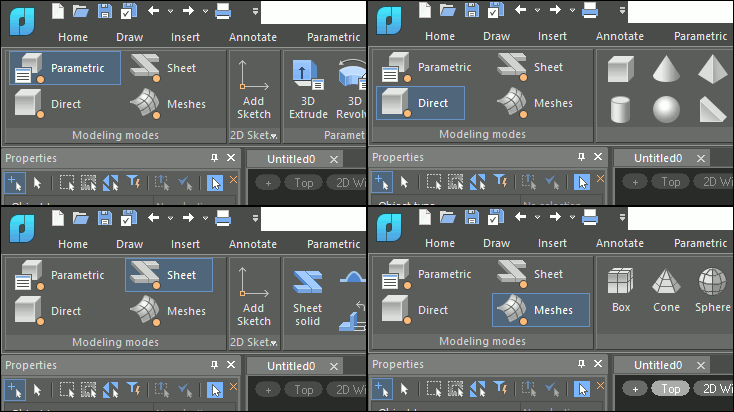
Natural 3D Modeling UI
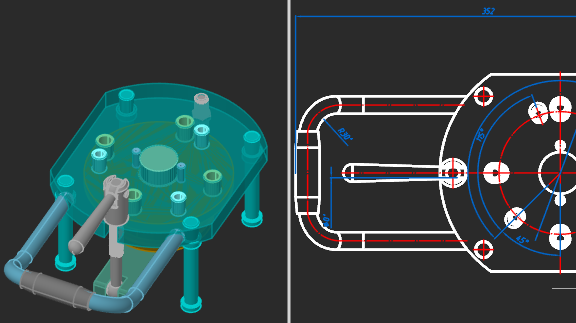
Associativity of 3D Models and Drawings
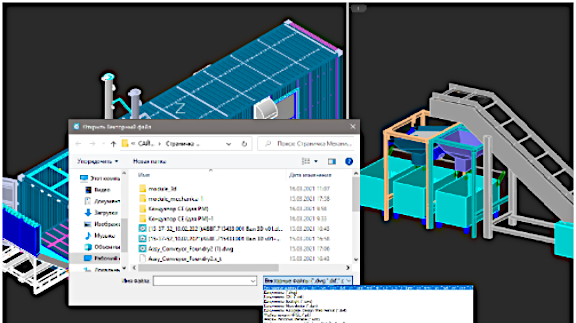
Model Exchange Via Import/Export
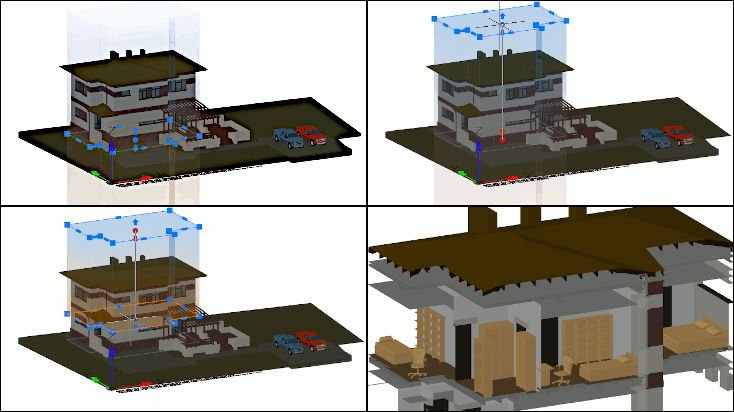
Bounding Prisms
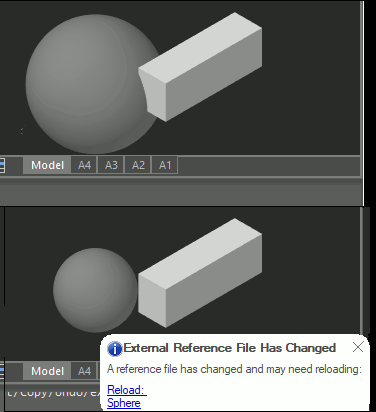
External References
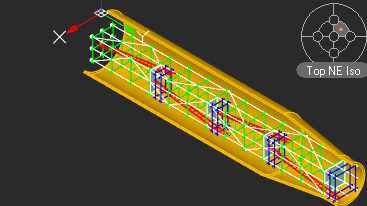
3D Navigation Tools
Other Important Features
Semi-transparency for Edited 3D Objects
Light Sources
Point Cloud Formats
Advanced 3D Modeling for Engineers in India
Efficient 3D Modeling for Indian Designers and Engineers
Engineering professionals in India often require reliable 3D modeling tools to visualize components, develop product designs, and improve project communication. However, many teams face challenges with expensive 3D CAD software and complex learning curves.
nanoCAD 3D Modeling provides a practical solution for engineers, product designers, and technical teams who need efficient 3D design capabilities within a familiar CAD environment. From conceptual design to technical visualization, nanoCAD 3D tools help Indian professionals create accurate 3D models while maintaining compatibility with standard CAD workflows.
Why Indian Engineers Use nanoCAD for 3D Modeling
Practical 3D Design Tools for Real Engineering Workflows
Efficient 3D Model Creation
Seamless 2D-3D Workflow
DWG-Based CAD Environment
Cost-Effective 3D CAD for Indian Businesses
Ideal for Engineering and Design Work in India
nanoCAD 3D modeling capabilities are suitable for professionals working in various engineering and design domains.
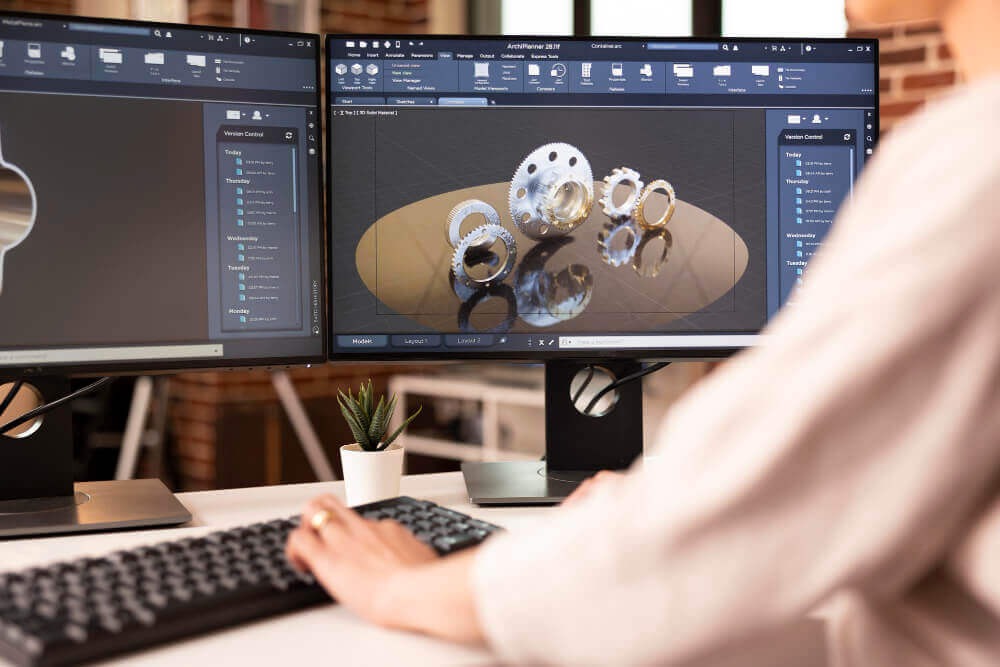
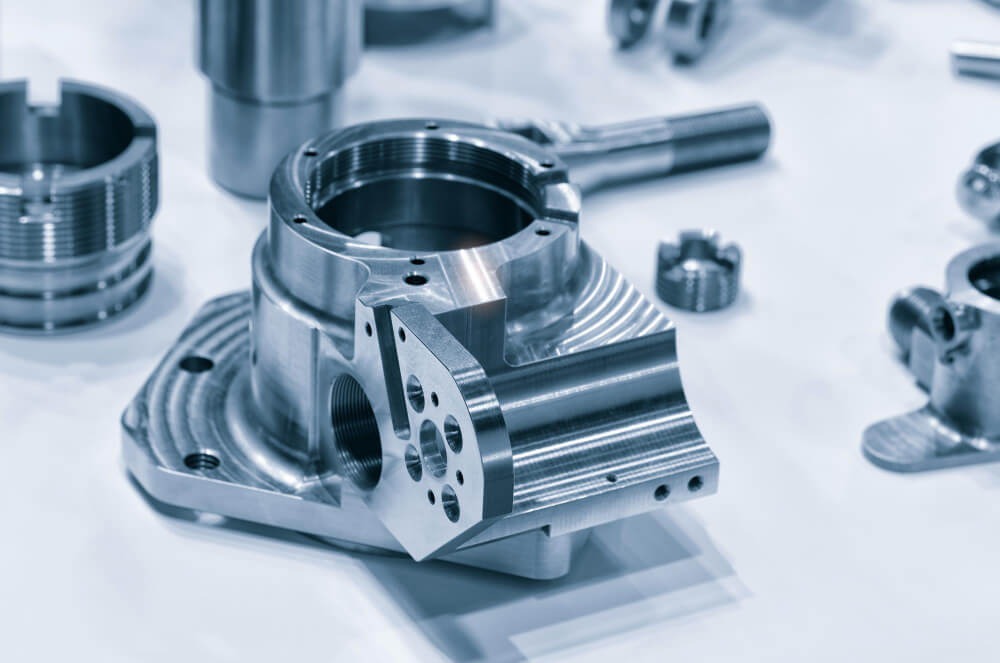
Mechanical component modeling
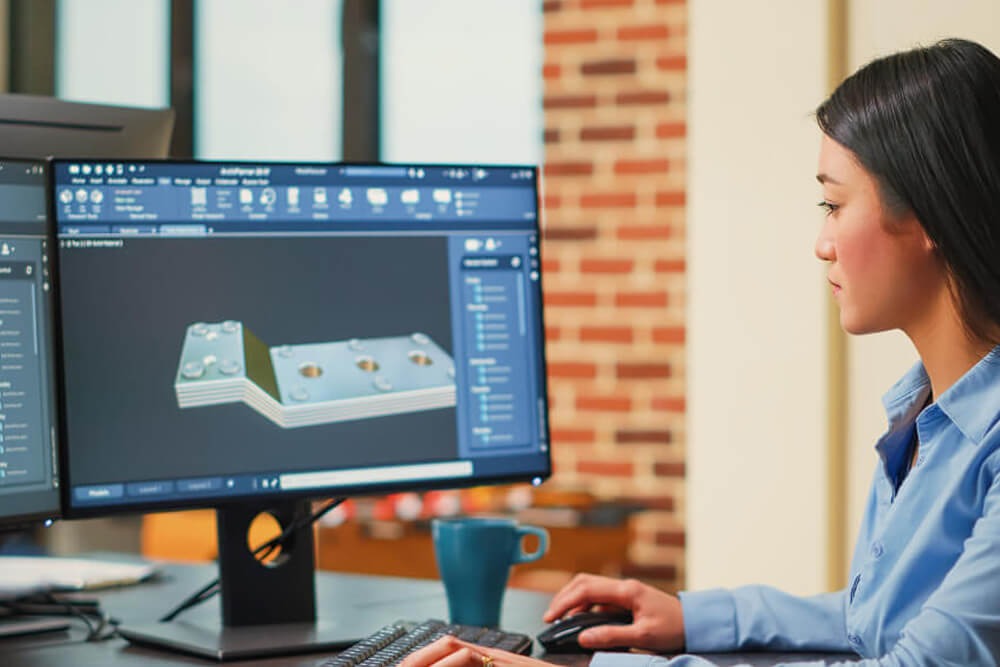
Product design visualization
Industrial equipment layouts

Engineering concept models
Affordable 3D CAD for Indian Engineering Workflows
Many engineering teams in India need a CAD solution that balances capability with cost efficiency. nanoCAD’s 3D modeling tools support design workflows while remaining accessible for small and mid-size engineering firms.
- Easy transition for CAD users
- Efficient 3D visualization capabilities
- Integration with standard drafting workflows
- Affordable CAD deployment for growing engineering teams
Get a Quote

Quick Video Guides
Advanced FAQs for nanoCAD 3D Modeling module
What types of 3D models can be created using nanoCAD?
nanoCAD supports the creation of solid, surface, and wireframe models, allowing engineers and designers to develop detailed mechanical components, conceptual designs, and technical 3D structures.
Does nanoCAD 3D modeling support parametric design workflows?
Yes. nanoCAD allows users to create and modify 3D geometry with precise dimensional control, enabling designers to adjust parameters and update models efficiently during the design process.
Can nanoCAD 3D models be converted into 2D drawings?
Yes. Users can generate 2D projections, sections, and detailed technical drawings directly from 3D models, which helps in preparing manufacturing documentation and engineering drawings.
Is nanoCAD compatible with DWG-based 3D design workflows?
nanoCAD works natively with the DWG file format, ensuring that 3D models and drawings can be easily exchanged with other CAD platforms that support DWG.
What industries commonly use nanoCAD 3D modeling tools?
nanoCAD 3D modeling is commonly used in mechanical engineering, product design, manufacturing, architecture visualization, and industrial equipment design.
Can nanoCAD handle large and complex 3D models?
Yes. nanoCAD is designed to manage complex 3D geometries and large design files while maintaining stable performance for professional engineering workflows.
Does nanoCAD support rendering and visualization for 3D models?
nanoCAD provides basic visualization tools that allow users to view, rotate, inspect, and analyze 3D models, helping teams present design concepts and verify geometry before production.
Can nanoCAD 3D models be used for design documentation?
Yes. Engineers can use 3D models to create technical documentation, exploded views, assembly drawings, and project presentations for manufacturing or construction workflows.